 Do Son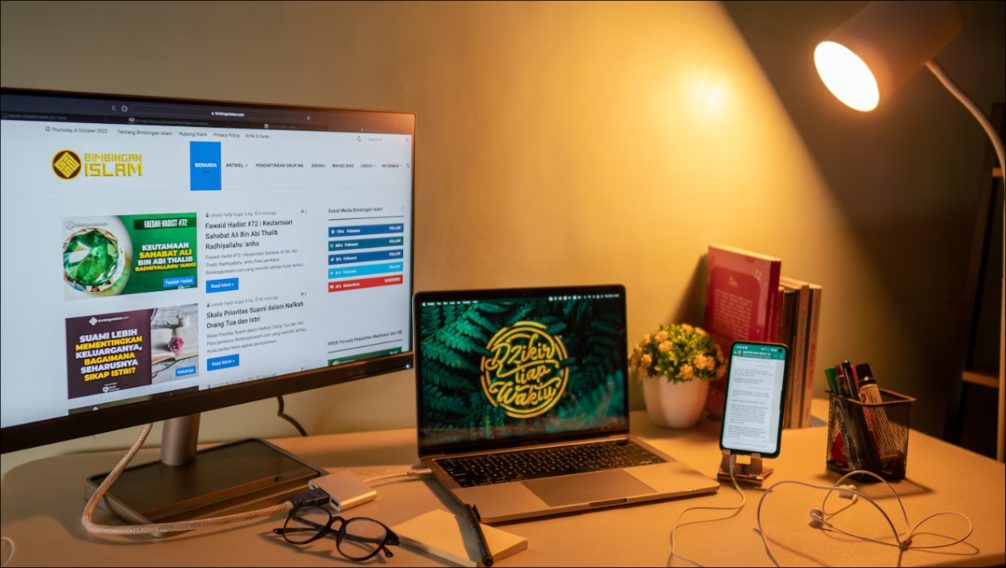
When it comes to having a productive workspace, one of the essential tools you need are accessories for your desk. With so many different gadgets and available items, it can be hard to know what will be most beneficial for boosting productivity.
Here is a list of seven useful accessories that you should have on your desk to maximize efficiency and feel more organized while working:
1. Wireless Keyboard and Mouse
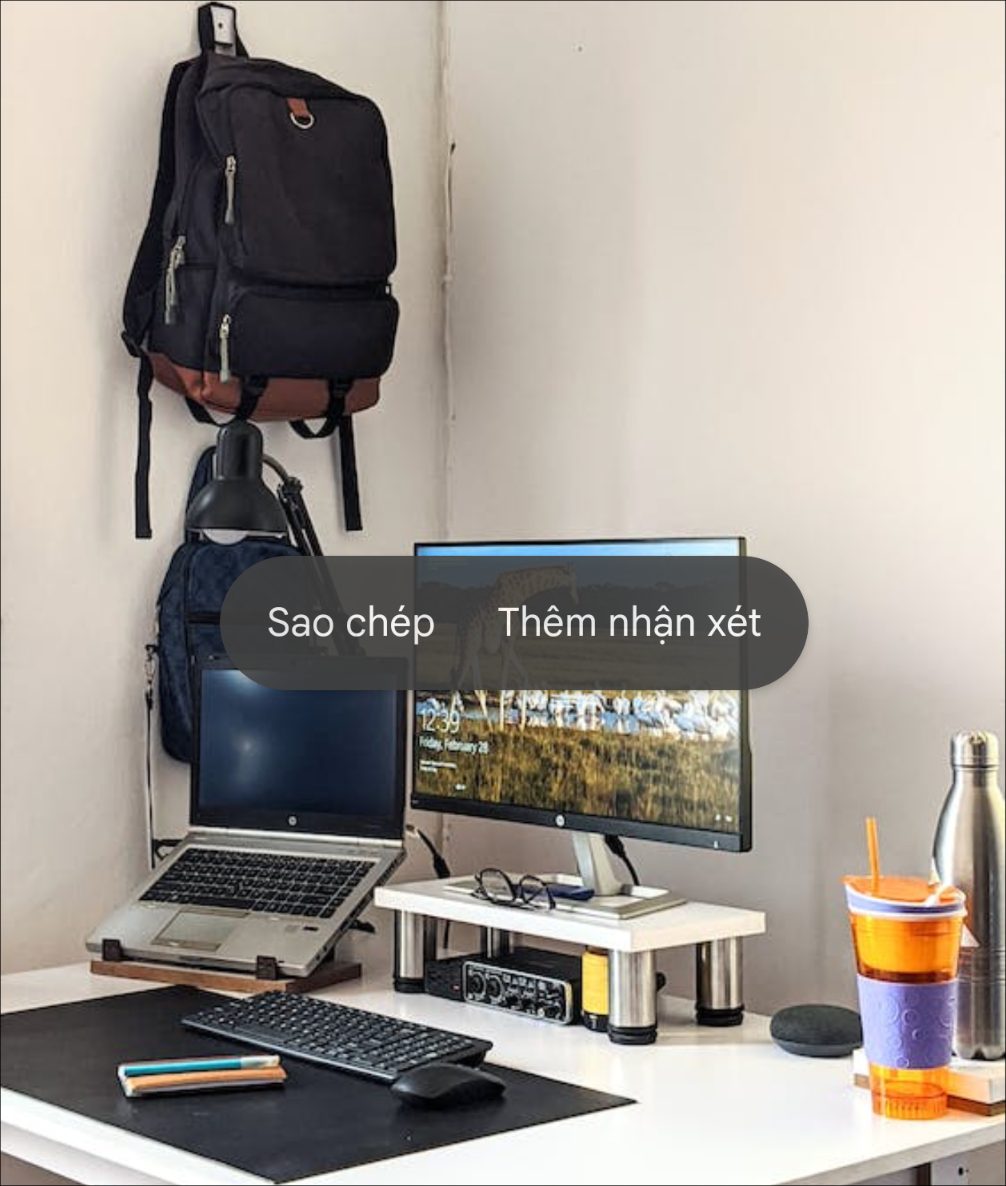
The wireless keyboard and mouse are a great set of accessories to have on your desk. Not only does it free up the space of wires and cables, but it also ensures you can move around freely without having to worry about tripping over a wire. Furthermore, with many wireless keyboard and mouse models now available, you can find one that perfectly fits your style and preferences.
Another reason why this is an excellent accessory for any desk is its convenience. You no longer need to be tethered to your computer or laptop; you can quickly move around while typing or using the mouse without unplugging anything! This makes working from home much easier as you don’t have to be in front of your device all the time in order to complete tasks.
2. Mouse Pad
A mouse pad is one of the essential accessories you must have on your desk. Not only does it make operating your mouse smoother, but it also helps reduce slippage and stress on your wrist. Using a mouse pad can help you work more efficiently and provide extra comfort for your hands and wrists.
Technology has made mouse pads customizable to ensure maximum comfort and usability. Besides the practical purposes of a mouse pad, such as preventing heat buildup from long periods of use or providing better friction to support a smoother movement, custom mouse pads are also aesthetically pleasing. They come in different shapes, sizes, and designs to suit any taste or preference. Adding customizations like text or images makes them even more unique, special, and personalized just for you!
Another benefit of using a custom mouse pad is increased accuracy while using your mouse. The surface of mouse pads has been designed to make it easier for your cursor to move around without stuttering or lagging. Having a custom-designed pad also lets you be precise with every click and movement which helps you work faster and more efficiently.
3. Monitor Stand
A monitor stand is an essential accessory for any desk setup. It can help increase your productivity by positioning the screen at a comfortable viewing height, reducing eye strain and fatigue caused by staring at a low-placed display. It also allows you to free up valuable space on your desktop that the computer tower or other equipment would otherwise take up. Furthermore, a monitor stand will help you maintain good posture while working, enabling you to keep your neck in line with the center of the screen. This helps reduce back and neck pain from long hours spent hunched over a desk. Additionally, some monitor stands come with added features such as a built-in ergonomic wrist rest or adjustable feet to ensure that your screen is always at the perfect angle for you
4. Headphones
Investing in a quality pair of headphones is something that every desk needs. Not only will they help you drown out background noise, but they also make it easier to concentrate on the task at hand without having to worry about what’s going on around you. This is especially useful if you work in a shared office space or an open floor plan with many distractions.
5. Charging Station
Keeping all your devices properly charged can be tricky when you have multiple USB cords and adapters scattered across your desk. A charging station makes it much easier to organize all your devices and helps them stay charged while keeping the clutter away from your workspace.
6. Desk Lamp
A good quality desk lamp can make all the difference in your productivity when working at your desk. Not only does this provide an extra source of light, but it also gives off a nice atmosphere which helps create focus and concentration levels. It’s important to find a lamp with adjustable settings to adjust the brightness and color temperature to your preference.
7. Whiteboard
A whiteboard on your desk gives you the perfect spot to draw out diagrams and plans for any projects you’re working on. It also helps visualize certain tasks with helpful images, which makes them easier to understand and execute. Plus, it’s great for organizing more complex projects into smaller chunks, so they don’t feel too overwhelming.
By incorporating these seven essential accessories into your workspace, you’ll be well on your way to creating an efficient and productive working environment. Not only will these items help you feel more organized, but they’ll also provide the necessary tools for getting things done quickly and efficiently.