 Do Son
 Best Ad Blockers for Android Games in 2026: Stop Ads Without Losing Progress
The best ad blocker for Android games isn’t the one you probably have installed right now. You’re three levels deep, fully in the zone — and then a full-screen video ad slams in. Unskippable. Thirty seconds. And the “close” button doesn’t appear until second 28. By then, your momentum is gone and the game has already pre-loaded the next one.
Mobile gaming ads have reached a level of aggression that browser ads never matched. Video interruptions after every level. Fake countdown timers. Banners that sit over gameplay controls. And here’s the part that most people don’t know: your Chrome ad blocker does nothing to stop them. These are in-app ads, and they operate entirely outside your browser. Even the most powerful browser extension in the world is blind to them.
This guide explains exactly why browser blockers fail on games, what actually works in 2026, and how to block ads in mobile games without losing gameplay features you actually want.
Why Browser Ad Blockers Don’t Work in Android Games
Browser ad blockers — whether they’re extensions, MV3-compatible builds, or even full network apps configured for browser use — work by intercepting web traffic passing through your browser engine. Mobile game ads never touch your browser. They’re a completely separate system.
When a game developer wants to monetize through ads, they integrate an ad SDK directly into the app’s code. The most common ones are Unity Ads, AdMob, IronSource, and AppLovin. These SDKs are compiled into the game itself. When an ad trigger fires — completing a level, opening the app, running out of lives — the SDK makes a direct network call to ad servers at the system level, completely bypassing your browser and anything running inside it.
This is why knowing how to block in-app ads on Android requires a fundamentally different approach. Two methods actually work:
- Method A — DNS Blocking. Intercepts requests to known ad server domains before they load. Works across apps. Free options exist. Less precise — some SDK calls slip through because they use generic infrastructure domains shared with legitimate services.
- Method B — VPN / System Level. Filters ALL outbound traffic from ALL apps through a local or remote filtering layer. Most comprehensive. Can inspect traffic from any app — browser, game, streaming app, whatever’s running.
There’s also the airplane mode trick: turn off WiFi and mobile data before launching a game. Many casual games that store content locally won’t show ads without a connection. It works — but it kills leaderboards, cloud saves, and any online feature. And modern games increasingly require a connection even for single-player content, making this less viable every year.
What to Look For in an Android Game Ad Blocker
Not all Android ad blockers are equal, and some marketed as game-compatible don’t actually filter SDK traffic. Here’s what separates tools that work from tools that just look good in an app store description:
- System-level or DNS-level blocking — browser extension architecture is useless here. The tool must intercept app-level network traffic.
- Works without root — most users aren’t rooting their devices. If root is required, it needs to be clearly stated upfront.
- Doesn’t break gameplay — aggressive blocking can break game APIs that happen to share infrastructure with ad networks. Whitelist support is essential.
- Handles rewarded ads correctly — you may want to keep opt-in rewarded ads that give you coins or extra lives. Per-app configuration matters.
- Battery and performance impact — a VPN running 24/7 has overhead. Look for lightweight implementations with an idle-efficient architecture.
- Privacy policy — a tool that filters all your traffic has a lot of access. Confirm it doesn’t log or sell your data.
Best Android Game Ad Blockers in 2026 — Full Reviews
AdLock
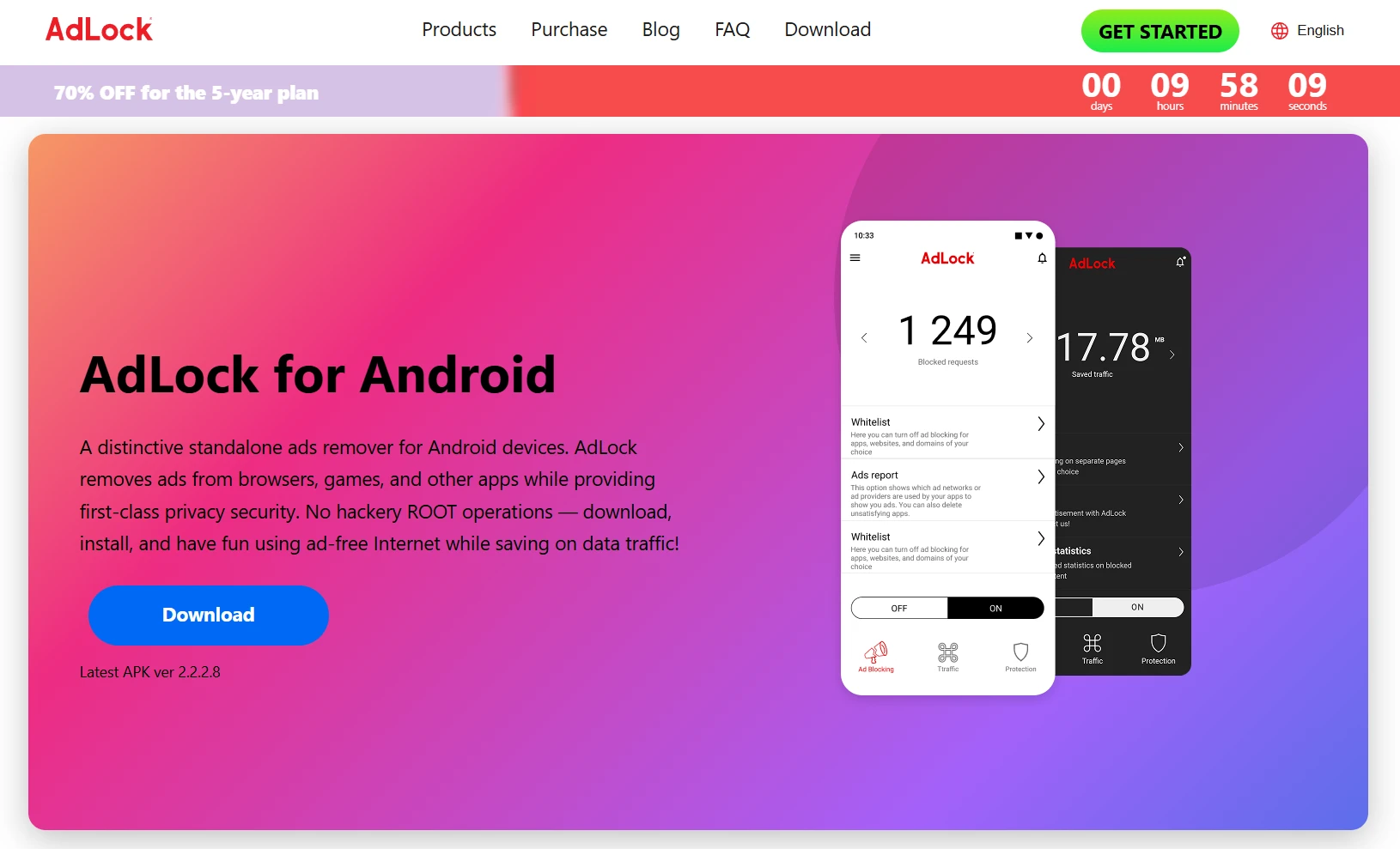
AdLock Android operates as a local VPN, routing all device traffic through its filtering layer before anything reaches the internet. This means ad calls from Unity Ads, AdMob, AppLovin, and other SDKs get intercepted at the network level — regardless of which app triggered them. You get ad blocking in your games, your browser, your streaming apps, and anything else running on the device, all from one comprehensive ad blocker for Android.
What makes AdLock stand out for gamers specifically is its per-app whitelist system. You can configure it to block interstitial ads in a game while still allowing that game’s rewarded ads through — the opt-in ones that give you in-game currency or extra lives. That granularity is rare and genuinely useful. AdLock also maintains a strict no-logging policy on traffic data, which matters when you’re routing all your network activity through their infrastructure.
The main limitation is cost — AdLock is a paid product. There’s a free trial, but there’s no permanent free tier. For users who want the most complete Android game ad blocker without root, that’s a reasonable tradeoff.
Strengths
- Blocks SDK-level ad calls in games
- No root required
- Per-app whitelist for rewarded ads
- Covers all apps simultaneously
- No traffic logging
- Works on Android and iOS
Limitations
- Requires a paid subscription
- VPN must stay active for blocking to work
- Setup takes a few minutes vs. zero for DNS method
AdGuard for Android
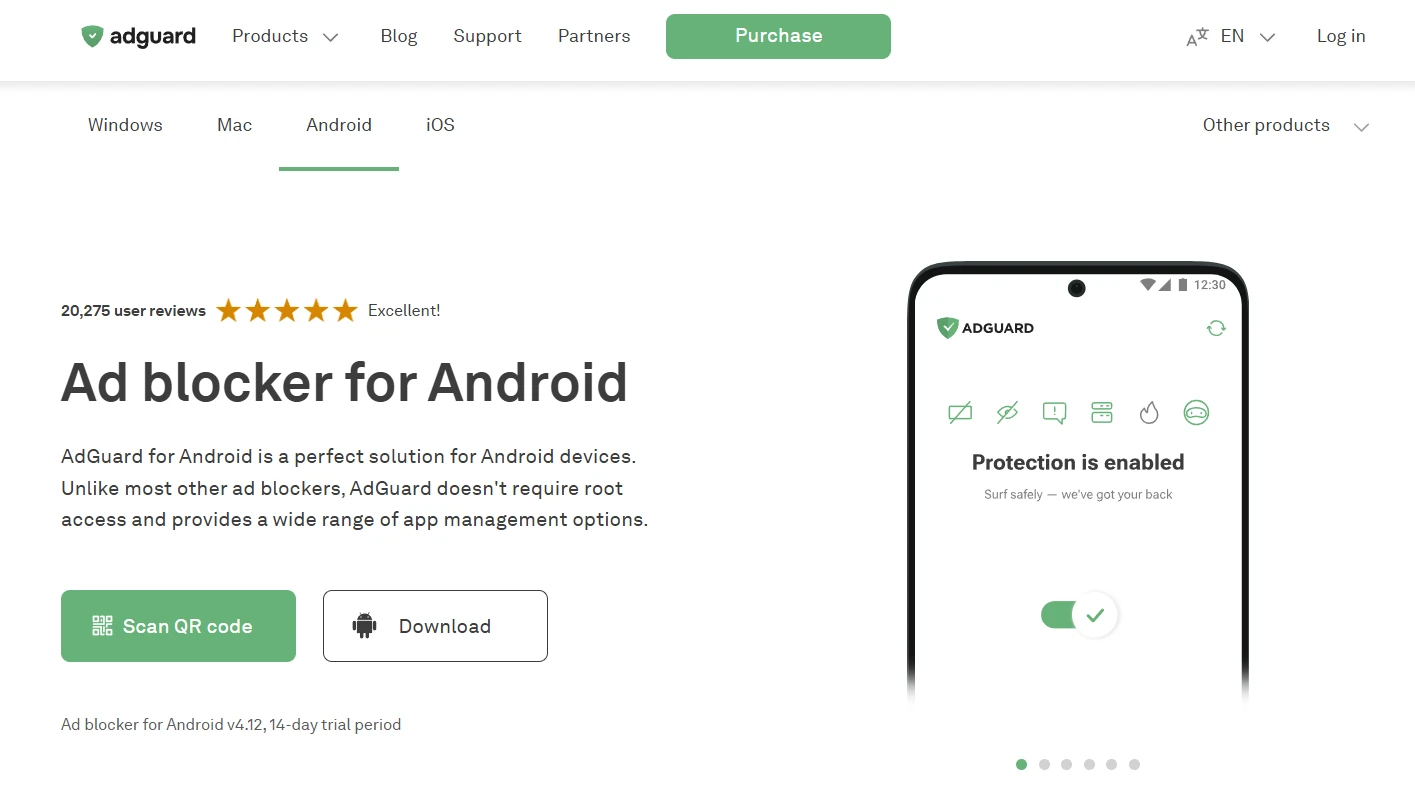
AdGuard Android games support works through the same architecture as AdLock — a local VPN that filters all device traffic. AdGuard has been in this space longer and carries a strong reputation for filter list quality and regular updates. The free version covers basic ad blocking; upgrading to premium unlocks DNS filtering, custom filter lists, and per-app controls that let you configure blocking behavior on a game-by-game basis.
App-level granularity in the premium tier is particularly useful for gamers. You can exempt specific games from filtering if blocking is causing connection issues, or configure different rules per app. The UI is more feature-dense than AdLock and has a steeper learning curve, but experienced users will appreciate the control. AdGuard doesn’t log traffic and is a well-documented, trustworthy product with a long track record.
Strengths
- Strong free tier covers the basics
- Per-app controls in premium
- Excellent filter list maintenance
- No root required
Limitations
- Best features behind the paywall
- UI can feel complex for casual users
- The free version lacks per-app controls
Private DNS (AdGuard DNS / NextDNS)
Android has had a built-in “Private DNS” setting since Android 9 — buried under Settings → Network & Internet → Private DNS. Point it to dns.adguard.com or your NextDNS hostname, and Android will route all DNS queries through that server, which filters out known ad domains. No app installation required. No root. Completely free.
This is the best zero-cost, zero-friction method for most users. The limitation is precision: DNS blocking works at the domain level, and ad SDKs sometimes serve ads through domains shared with legitimate game infrastructure. If a filter blocks that domain, it can break parts of the game. You also get less visibility and control compared to a full VPN-level solution. But as a starting point — especially for casual gamers — it’s remarkably effective for something that takes 30 seconds to set up.
Strengths
- Completely free
- No app needed — built into Android
- 30-second setup
- Covers all apps on the device
Limitations
- Less precise than VPN-level filtering
- Can break games that share domains
- No per-app configuration
Blokada 5
Blokada 5 is open-source and runs a local VPN to block ads and trackers across all Android apps, including games. It’s community-maintained, transparent, and free — which is why it built a strong following. Important note: Blokada 6 moved to a subscription-only model. Blokada 5 is still available as an APK directly from their website, but it’s no longer in the Play Store. Installing APKs from outside the Play Store is straightforward, though it adds one more step.
For open-source advocates who want meaningful ad blocking without paying a subscription, Blokada 5 hits the mark. Filter list support is solid and customizable. It won’t have the same polish or per-app granularity as AdLock or AdGuard premium, but it’s a serious tool, not a compromised free version.
Strengths
- Free and open source
- Local VPN blocks game SDK traffic
- Active community and filter lists
Limitations
- Must be sideloaded (APK, not Play Store)
- Blokada 6 is subscription-only — a different product
- Less per-app control than premium alternatives
DNS66
DNS66 is a lightweight, open-source ad blocker that uses a hosts-file approach via a local VPN. It’s built for users who want full control without paying — or without trusting a commercial provider’s infrastructure. You configure your own blocklists, it applies them system-wide, and that’s essentially all it does. Simple and transparent.
The setup requires more effort than the other tools here. There’s no hand-holding UI, no automatic filter updates (you manage that), and the interface is minimal. It works well for rooted and advanced users who understand what they’re configuring. For most gamers looking for a quick solution, it’s probably not the right starting point — but it earns a place on this list for the technically capable user who wants complete transparency over what’s being blocked and why.
Strengths
- Free and open source
- Full transparency — no black-box filtering
- Lightweight on battery
Limitations
- Manual setup required
- No automatic filter list updates
- Not beginner-friendly
The Airplane Mode Trick
This one has been around for years and still works for the right games. The logic is simple: ad SDKs need a live network connection to fetch ads. Disable WiFi and mobile data before opening the game, and many casual games simply skip the ad calls rather than crashing. Puzzle games, word games, and simple arcade titles are the best candidates — games that store all their content locally and don’t require a server connection to run.
The limitations are obvious. You lose access to leaderboards, cloud saves, multiplayer features, daily rewards, and any content that requires a connection. And increasingly, game developers are adding “require connection” as a deliberate design choice to prevent exactly this workaround. It’s a trick, not a solution — but for specific games and casual players, it’s free and instant.
Strengths
- Completely free, zero setup
- Works on older Android versions
- No apps, no permissions, no VPN
Limitations
- Breaks online features and cloud saves
- Doesn’t work on games requiring a connection
- A workaround, not a real solution
Rewarded Ads: Should You Block Them?
Not all mobile ads are the enemy. There’s an important distinction that any serious Android game ad blocker should respect:
- Forced Interstitial. Full-screen ads triggered automatically — after a level, on app open, mid-gameplay. You didn’t ask for them. They interrupt without consent. Block these.
- Rewarded Ad. Opt-in video ads you choose to watch in exchange for in-game coins, extra lives, or continues. You control when they trigger. These can be worth keeping.
If you block all ads indiscriminately, you block rewarded ads too — and that can actually slow your gameplay progression in games where rewards are tied to voluntary ad views. The smarter approach is selective blocking.
Both AdLock and AdGuard support per-app whitelisting. In AdLock, you can configure specific apps to pass through with reduced filtering rules — allowing rewarded ad domains while still blocking interstitials. In AdGuard’s premium tier, app-level rules give similar granularity. Neither setup is instant, but taking 10 minutes to configure it correctly pays off for games you play regularly.
Tip: If a game stops offering rewarded ads after you install an ad blocker, temporarily disable filtering for that specific app in your tool’s settings rather than turning off blocking globally.
Quick Comparison: Android Game Ad Blockers
| Tool | Blocking Method | Root Required | Free Option | Blocks Rewarded? | Best For |
| AdLock | VPN / System | No | Trial only | Configurable | All-app blocking, precision |
| AdGuard Android | VPN / System | No | Free tier | Configurable (premium) | Power users, flexibility |
| Private DNS | DNS Level | No | Yes | Partial | Zero-setup, free option |
| Blokada 5 | Local VPN | No | Yes (APK) | Mostly yes | Open-source, free |
| DNS66 | Hosts / VPN | Recommended | Yes | Mostly yes | Advanced / rooted users |
| Airplane Mode | Offline only | No | Yes | N/A | Casual / offline games |
Which Ad Blocker Should You Use?
Your setup, how much you care about privacy, and whether you’re willing to pay all affect the right answer. Here’s the straight version:
- Want zero setup, completely free. Use the Private DNS trick. Set it to dns.adguard.com in Android settings. Done in 30 seconds, no app required, and it works for most casual games immediately.
- Want the most complete blocking across all apps. AdLock is the most comprehensive option. System-level VPN filtering catches what DNS blocking misses, and the per-app whitelist lets you keep rewarded ads in games you actually play.
- Want open-source and free. Blokada 5 — grab the APK from their official site. It’s not in the Play Store anymore, but it’s legitimate, community-maintained, and does genuine VPN-level blocking at no cost.
- Play games with rewarded ads you want to keep. AdLock or AdGuard (premium) — both support per-app configuration that lets rewarded ads through while blocking forced interstitials. Worth setting up if you play the same games regularly.
- Advanced user with a rooted device. DNS66 gives you full control with no commercial dependencies. Manual setup is required, but you’ll know exactly what’s being blocked and why at every step.
The era of “install a browser extension, and you’re done” never applied to mobile gaming. The ad SDKs baked into games operate at a level that browser-based tools simply can’t reach. System-level and DNS-level solutions exist specifically for this gap — and in 2026, several of them work very well. Pick the one that fits your setup and stop losing your gaming streak to a 30-second countdown you never asked for.