 Do Son
Image from Pixabay.com
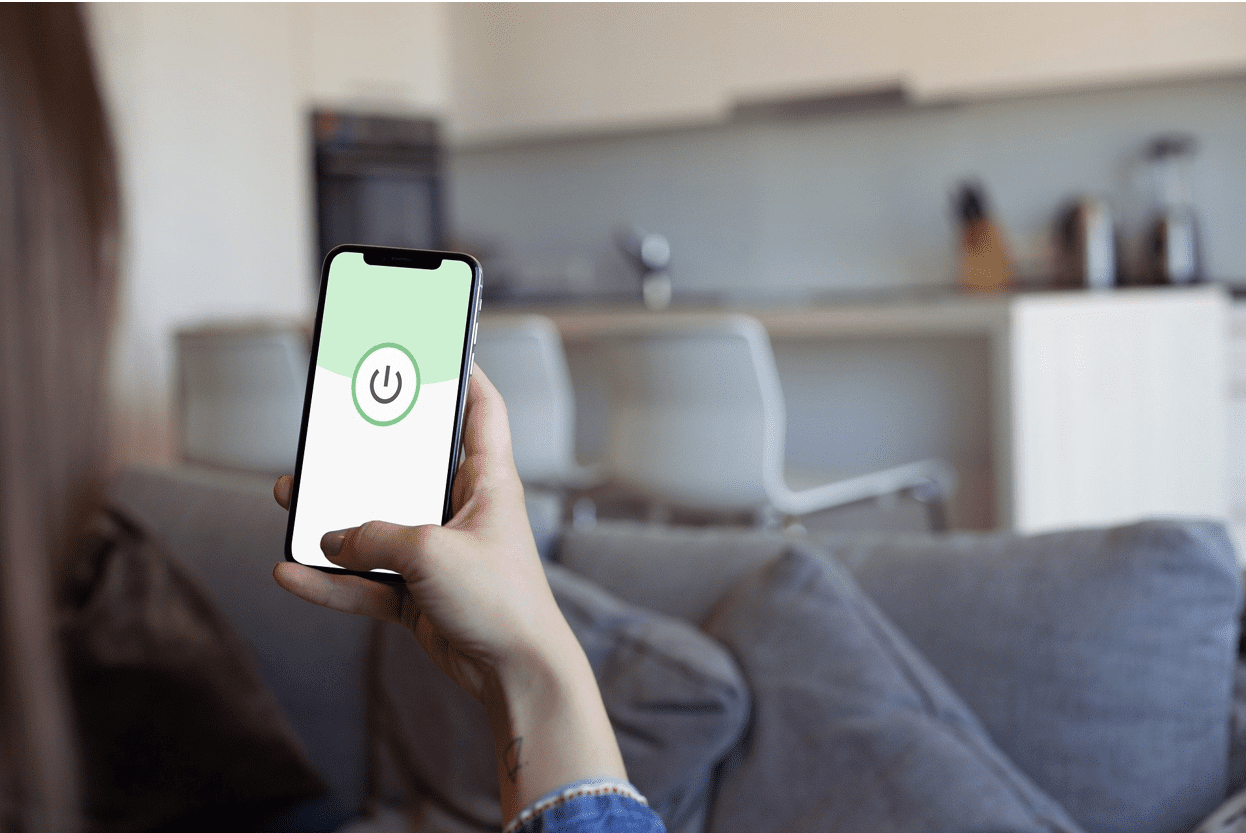
The importance of mobile phones in our lives has grown tremendously. What seemed to be a simple communication tool has now come to be a way of life. Today, mobile phones are used for taking photos, online banking, shopping, sending emails, and sharing stuff on different social media platforms among other things.
Because we store too much personal information on our mobile phones, these devices have become a fertile ground for cybercriminals who are constantly looking for loopholes in your security system to finally attack. Therefore, the same way we protect our computers should be the same way we take care of our mobile security. This article discusses some of the common mobile security risks and ways to stay protected.
Mobile Security Risks
Here are the common mobile security threats facing users in 2020
Data Leakage
Data leakage is among the biggest security threats in the mobile world, and mobile apps are usually the cause of this. We all have plenty of apps on our phones, many of which require certain permissions to work in a certain way. So, we end up giving them access to say, files and contacts, microphones, and cameras. What’s more, we fill in our personal data including credit card information and login credentials into these apps.
Mobile apps can send personal and even corporate details to a private server, where it is extracted by advertisers, and/or by cybercriminals.
Unsecured Wi-Fi
It’s understandable that you don’t want to waste your cellular data when you can use readily available free wi-fi. But, connecting to free public wi-fi can present a major cyber risk as the network is unsecured and can be easily seized by a cybercriminal.
Unsecured public Wi-Fi can also be utilized to deliver malware. Also, hackers can establish dangerous access points in locations where people would want to use Wi-Fi, including airports and coffee shops. While these networks might appear legit, they are unsecured and can be utilized to access your data and to spoof your login credentials.
Spyware
In most cases, spyware is not malware from unspecified attackers that users ought to be worried about. Rather, spyware is installed on mobile devices by spouses, coworkers, etc to keep an eye on their targets. Also referred to as stalkerware, these apps are meant to be laden on the subject’s device without their knowledge/consent.
Ways to Stay Protected
The above security risks shouldn’t prevent you from enjoying all the benefits that come with owning a smartphone. Use the below tips to stay protected.
Keep your Software Up-to-date: Everything including your operating system and your social network apps are possible avenues for cybercriminals to compromise your device. Android updates are therefore important if you want to protect yourself against most mobile security risks. Not only do these updates improve your device performance, they also make it more secure.
Download apps from Authorized App Stores: It’s good to note that both Apple and Google Play App stores screen their apps before selling them, but the same can’t be said for third-party app stores. Buying from reputable app stores may not guarantee that you’ll never buy a lousy app, but it may help reduce the risk. It is also important to avoid end-user side-loading of applications via (USB).
Use VPN: One of the best ways to improve the security of your mobile phone is to download a VPN app and use it whenever you want to connect to public wi-fi networks. What’s more, you will reduce tracking attempts and also be able to access geo-blocked content.
Due to their numerous functionalities, mobile security is now as important as computer security. Use the above tips and stay safe as you enjoy all the convenience that comes with using android phones.
Install an Antivirus: Integrated antivirus software will help in scanning, isolating, and deleting of contaminated apps or files, and also in detection and restitution of malware during app installation or a file download.
Ensure you read the end-user manual: Before installing any app, ensure you read the fine print. Some apps, such as Grayware adware take advantage of your not reading their agreement to allow their malicious app onto your device.