 Do Son
With mobile phones getting more and more advanced, the options to listen to music on the go are greater than ever. If you’re looking to download your favorite songs onto your phone, this guide will show you how! The process itself is extremely easy – all it takes is a few minutes of your time, and then you can take your downloaded tracks with you wherever you go.
Download Music from YouTube
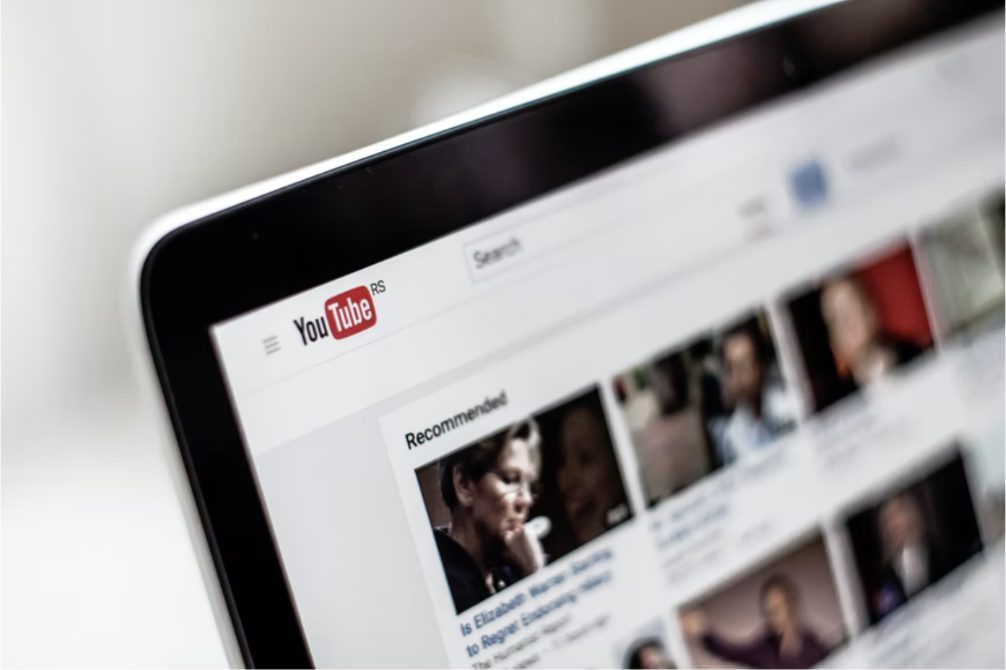
There are a number of ways to download from YouTube, but the easiest is to use software specially designed for that purpose. These software programs for Youtube downloads will try and trick YouTube into thinking that you’re trying to download a video (and not just the audio), and it’s this loophole that allows you to download tracks without having to break any laws. With this type of helpful software, you can listen to music from youtube on your phone even offline.
Download Music from Spotify
Spotify makes it easy for its users to save songs and listen offline on their mobile devices. With just a few steps and some patience, you can download Spotify tracks to your phone and listen on the go!
As easy as it is to save songs for offline listening on Spotify, it takes a little more work than other sources. You’ll need to create an account with “www.spotify.com” if you don’t already have one, and there are some songs that you won’t be able to download directly from Spotify’s website – but many of them will still work with the help of third-party software programs.
Download Music from SoundCloud
SoundCloud doesn’t charge its users for anything (not even extra features), which includes the ability to download tracks. This makes it very easy to use, and if you’re just looking for something to listen to on the go, then downloading music from SoundCloud is by far the simplest option available.
To download tracks directly from SoundCloud, all you need to do is find the song that you want and click on “Download.” You’ll be given a number of different file types (MP3 being one of them), which means that there’s no shortage of options when it comes to how your track will sound after it’s downloaded!
Download Music Using iTunes
As Apple’s flagship media platform for iOS devices (and other things like Macbooks too) it doesn’t come as much of a surprise that iTunes also offers an option for downloading music for offline listening. This makes it the best option for iPhones, iPads, and iPods – but be warned, Apple does charge a fee to download music onto your device. Be prepared to fork out anything from 69p (£0.69) up to £2.49 (or $3.99) depending on the song!
Download Music Using Amazon Cloud Player
Amazon’s Cloud Player is one of its premier services for storing digital media, which you can access through any web browser or through dedicated apps for Android or iOS devices. If you’re an Amazon Prime member then this service is completely free, so there’s no reason not to try it out! As well as having an enormous library of content ready for download directly into your mobile device, Amazon also gives its users the option to upload their own tracks onto the cloud for easy access anywhere in the world.
Download Music Using Google Play
Google’s own music platform for Android devices comes integrated with the device itself, so there are no extra fees or registrations needed. As well as being able to buy albums directly from Google Play, you can also upload your own tracks for free and take them anywhere! There are a few restrictions when it comes to uploading your own music – but if you’re just looking to download something for offline listening then this is by far the best option available.
Download Music From Discogs
Discogs is an online marketplace where people can either sell their old records or buy new ones. If you’re looking for rare or classic media that’s not readily available elsewhere, then this site might be worth checking out. To get started, all you need to do is select a track that you’re interested in from the results page. Once it’s loaded, there will be a “Download MP3” button on the right-hand side of your screen which you just have to click!
There are so many sources out there for downloading music – and if you know where to look then finding a free source is as easy as can be. This list should help get you started, but once you’ve found something that works for you then it’s better to stick with one service so that you don’t end up losing access or having problems with random websites. Make sure that whatever site/app/service that you choose offers unlimited downloads as this will make things easier when it comes down to having a continuous stream of music whenever you want it.