How to Fax Free Without Fax Machines Using Online Fax Services Quickly, Securely?
 Do Son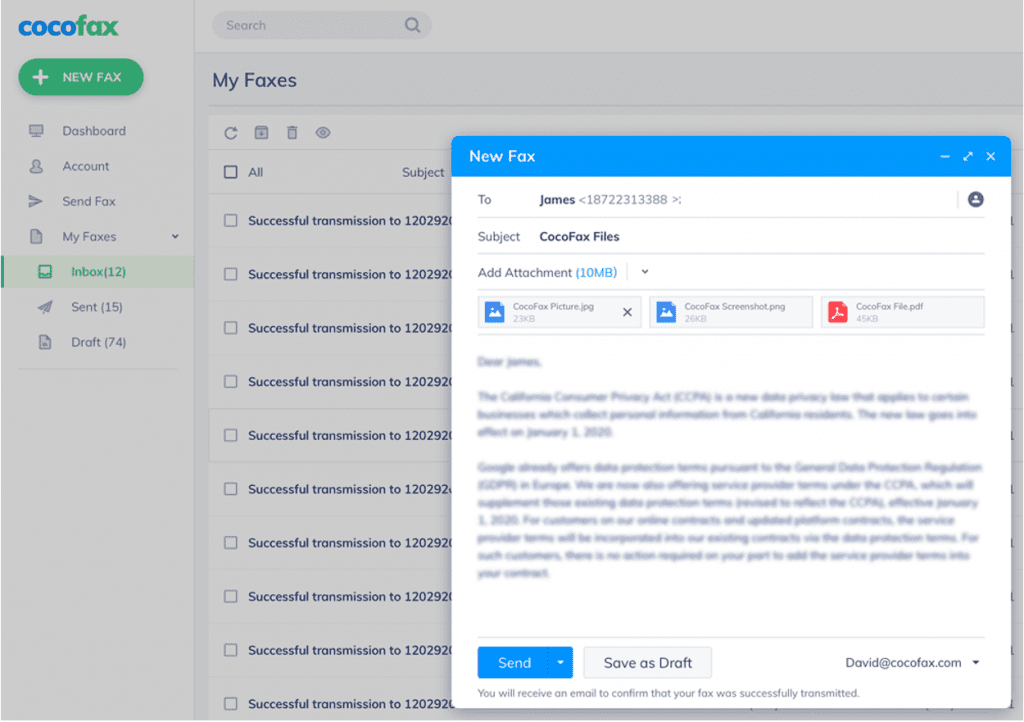
Do you want to remove a bulky fax machine from your office? It is possible with the use of the latest technology. Numerous cloud-based and secure fax services are available. You can use them to fax the needs of your business.
A reliable service, such as CocoFax, helps you to send a fax without a phone line and a fax machine. Remember, a fax machine needs extra space, maintenance, and additional expense of ink and paper.
No doubt, CocoFax is a secure method for international and domestic faxing. Here is a detailed review of CocoFax.
CocoFax: A Trustworthy Method for Everyone
Can you fax without a fax machine? CocoFax makes it happen with its encrypted services. Feel free to use this HIPAA compliant service with confidence. The use of CocoFax allows you to say goodbye to heavy fax machines.
https://googlefaxfree.com/wp-content/uploads/2019/12/cocofax-homepage.png
It enables you to manage the transmission of faxes without fax machines, phone lines, and fax modems. CocoFax allows you to send faxes without any interruption. You can use this service to send urgent faxes.
You can integrate CocoFax add-on with Dropbox, Google Drive, and other cloud services. Like this one, other fax services may not offer you maximum security. It has more than one million satisfied users.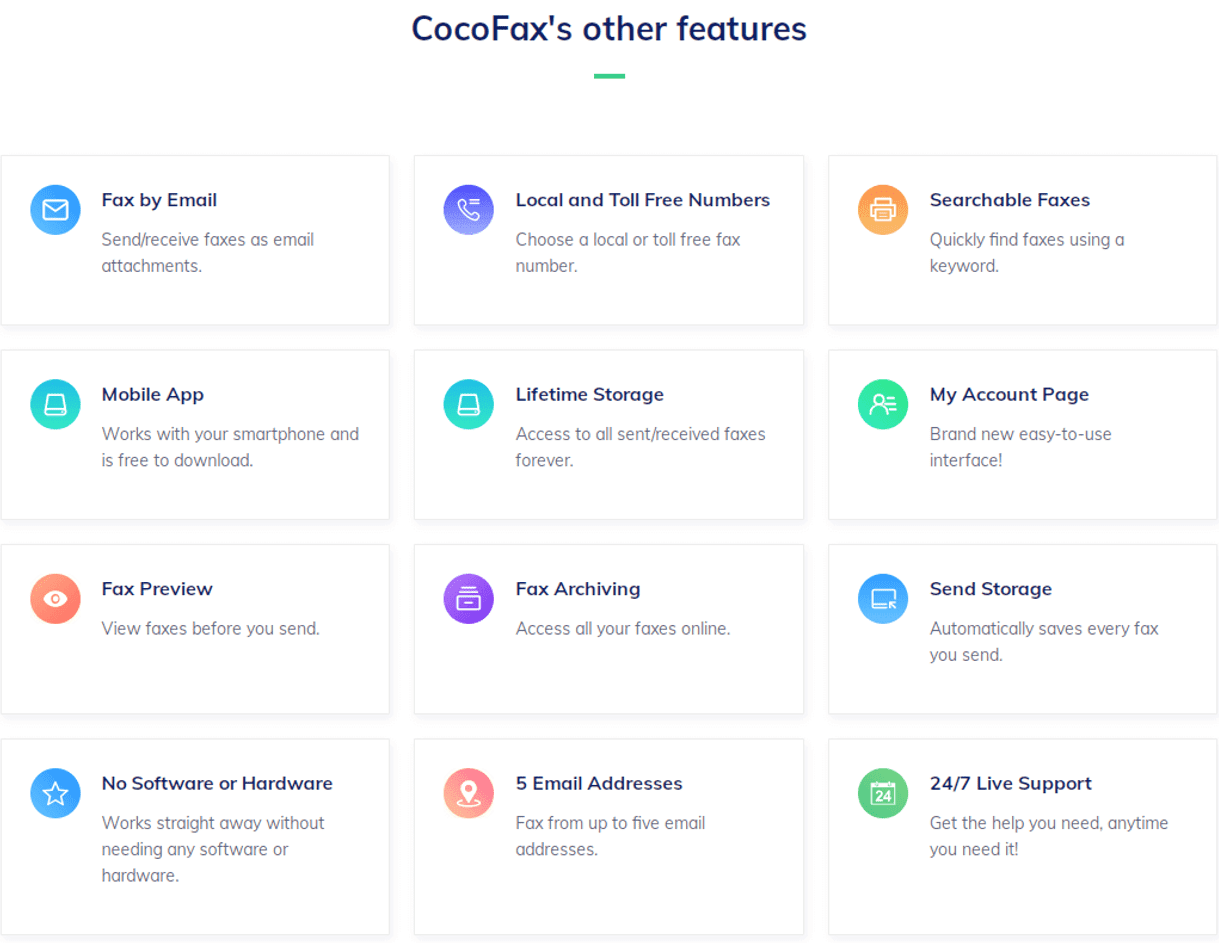
Remember, this reputed brand gets recognition from Life Hacker, Android Authority, Forbes, Top 10 Reviews, PCMag, etc.
Use a Web Browser
Browse the official website of CocoFax by entering a URL in the address bar. If you want to use CocoFax, create a free account with your email address. At the time of sign up, you will get a free trial for 30 days and a fax number.
Users of CocoFax can choose their favorite number. You can share this number with your clients to receive your faxes. Here is an easy guide to manage your faxes.
Step 01: Sign in to your CocoFax account to access the dashboard. Tap on a “Send Fax” button to create a new fax.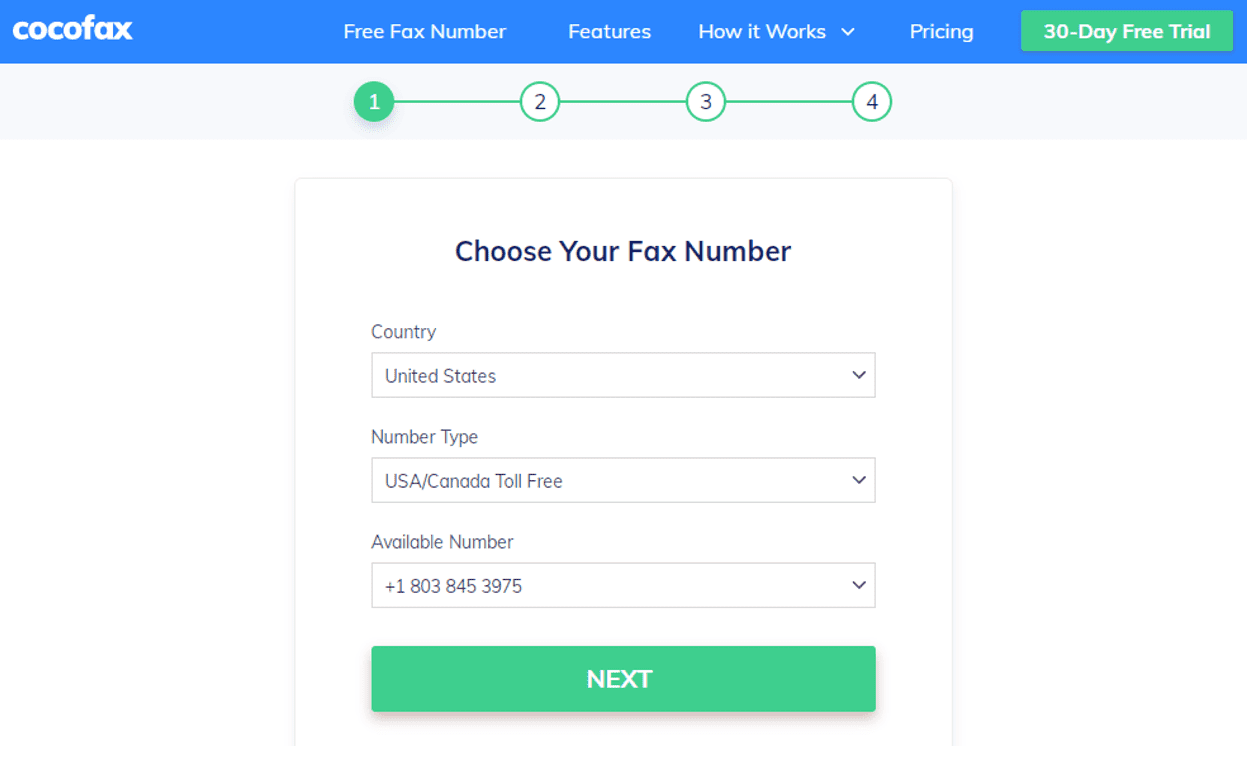
Step 02: Create a fax by typing in the fax number of the recipient. If you want to add an important note, add it to the subject field. This note will appear on the initial page of the fax.
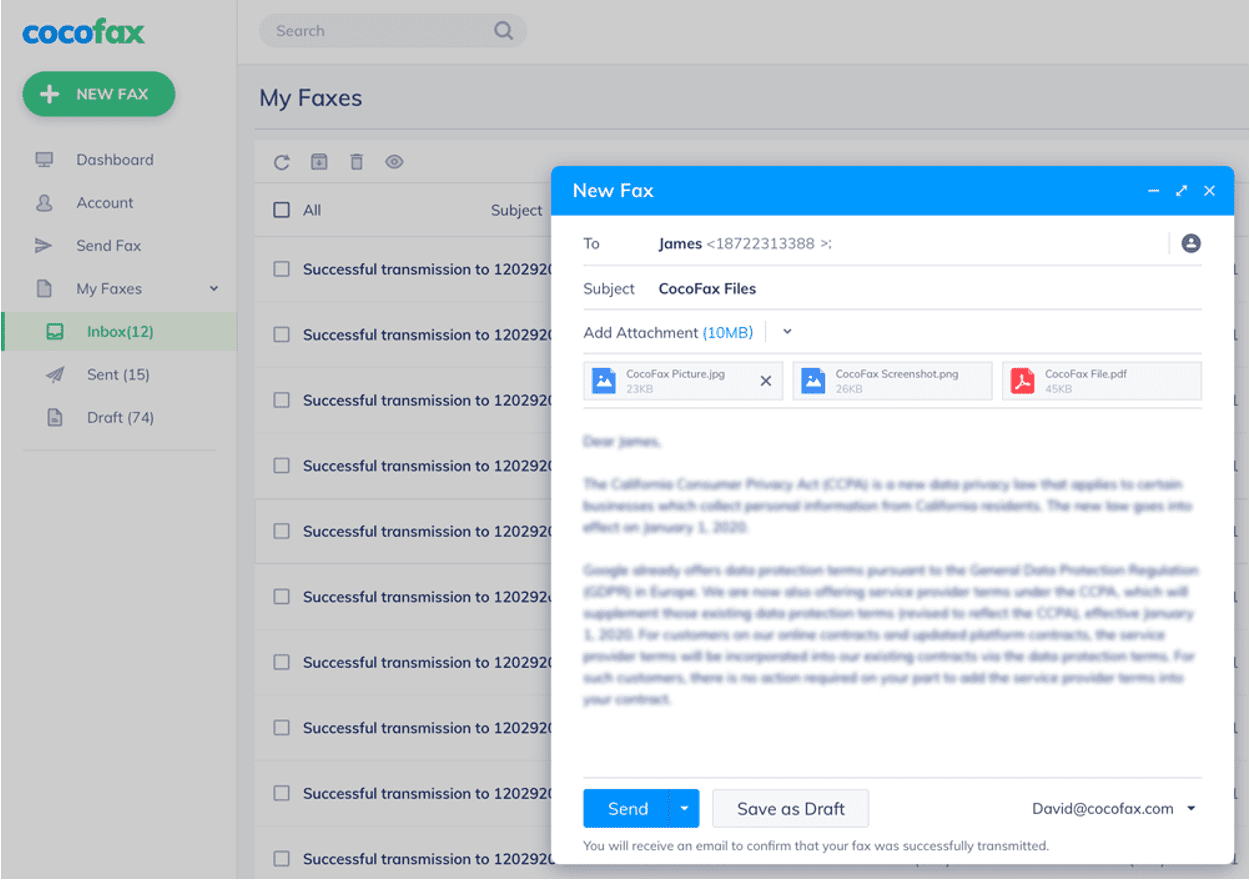
In the body of the fax, you can design a cover page. It will be the first page for the recipient. Finally, upload your document that you want to send as a fax. The attachments accept jpg, png, xlsx, xls, docx, doc, and pdf, etc.
Step 03: After finalizing everything, you can tap on the “Send” button. CocoFax allows you to transmit and receive fax without a fax machine. After a successful transmission, you will get notifications on the dashboard or inbox of your email.
Use Email to Send and Receive Faxes
Feel free to use an email client to manage the transmission of faxes. The process will be the same for sending and receiving faxes. After creating an account, you can use the same email address to manage faxes.
The process of sending fax will be the same. In the “To” field, you can write a fax number for your client. This number must be followed by the name of your service provider, such as @cocofax.net.
You can fill relevant fields and attach necessary documents to send and receive faxes. CocoFax will send notification of successful or unsuccessful fax to your email address. Received faxes may be available in your inbox.
Get a Free Fax Number
To send and receive faxes, you will need a fax number. Fax transmission is impossible without a number. Fortunately, CocoFax offers a free number to use for 30 days. CocoFax acts as a translator between digital and analog lines.
Faxes work on phone lines, and emails depend on a digital network. You will need a third-party service to manage this communication.
Conclusion
Overall, receiving and sending faxes will be an easy process with CocoFax. In the presence of this service, you can decrease the needs of a fax machine. If you want to reduce your unnecessary expenses, feel free to choose CocoFax.
It has numerous unique features to facilitate small and large businesses. Make sure to share your fax number with your clients to receive faxes. This service works accurately to decrease the chances of error.
You can use this service for domestic and international faxing. It is an affordable way to manage fax transmission. Feel free to get started with this free and secure service today.