 Do Son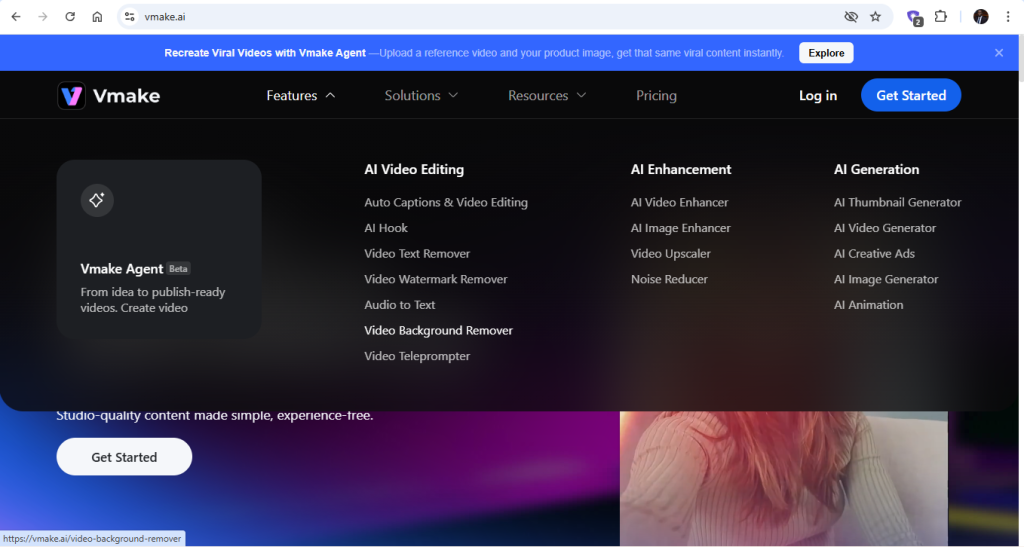
You do not get a suitable background in all videos. Recording most of them follows this process: press record, focus on what you want to say, and only notice the need to remove the poor background. You would like to remove cluttered rooms, people walking past, inadequate lighting, and distracting colors.
When your video is due for posting, re-recording feels like a lot. That calls for video background removal. Yet, traditional video editing tools treat a poor or unsuitable background as a technical problem. They push you toward green screens, heavy software, and long learning curves. For many creators, that approach is unrealistic.
Stick to this article to see what video background removal is and how you can use Vmake online video background removal to remove clusters and keep the right frame, and what matters.
What does it mean to remove a Video Background?
Video background removal is not about cinematic effects. It is about clarity, focus, and reuse. A single video can be repurposed across platforms once the background is no longer a limitation. This is what you do: separate the subject from clutter and create a nice background for the video. The process breaks you out of the environment where the video was recorded.
Why Online Tools Changed Background Removal
In the past, background removal required professional software and manual work. Editors had to trace the edges frame by frame. But hair, hands, and fast movement made the process slow and expensive. Online tools use AI-based detection to automate that work. They detect the subject by analyzing contrast, motion, and depth.
For online video background removal tools, browser-based functionality makes them more accessible to users. You no longer need editing experience, powerful hardware, or long render times. The tool handles the complexity; you focus on publishing.
When to Consider Video Background Removal
Not every video needs background removal, but many benefit from it. These are the results you can expect with background removal. Talking-head videos become more focused with no visual noise. Product demos appear cleaner when distractions are minimized. Educational videos are easier to follow because the attention stays on the speaker. Marketing clips gain flexibility when the subject can be placed over branded visuals.
If your content is designed for social platforms, landing pages, ads, or presentations, background removal often improves results without changing the message.
Why People Struggle with Video Background Removal
Many creators try background removal once and give up. The reason is rarely the idea itself. It is the tools. Some tools leave rough edges around hair or shoulders. Others blur parts of the subject or reduce video quality. Many add watermarks unless you upgrade. Some tools demand settings and adjustments that beginners do not understand.
Another issue is speed. If removing a background takes longer than re-recording, the process loses value. A good online background remover should feel simple. Upload the video, let the tool process it, preview the result, and download. Anything more becomes friction.
Introducing Vmake Video Background Remover
Vmake background remover works as a standalone solution for creators who want a specific outcome without committing to full editing software. The system automatically detects the subject in your video and removes the background without manual selection. You do not need to draw outlines or adjust complex controls. The processing happens in the browser using the Vmake website.
The workflow is intentionally short. You upload your video file through the browser interface, and the system analyzes the footage and identifies the subject automatically. This includes handling movement, hand gestures, and natural motion. After processing, you can preview the background-removed video. If the result fits your needs, you download it directly. There are no timelines to manage and no advanced settings to learn. The tool focuses on one task and does it efficiently.
How to Remove a Video Background Using Vmake
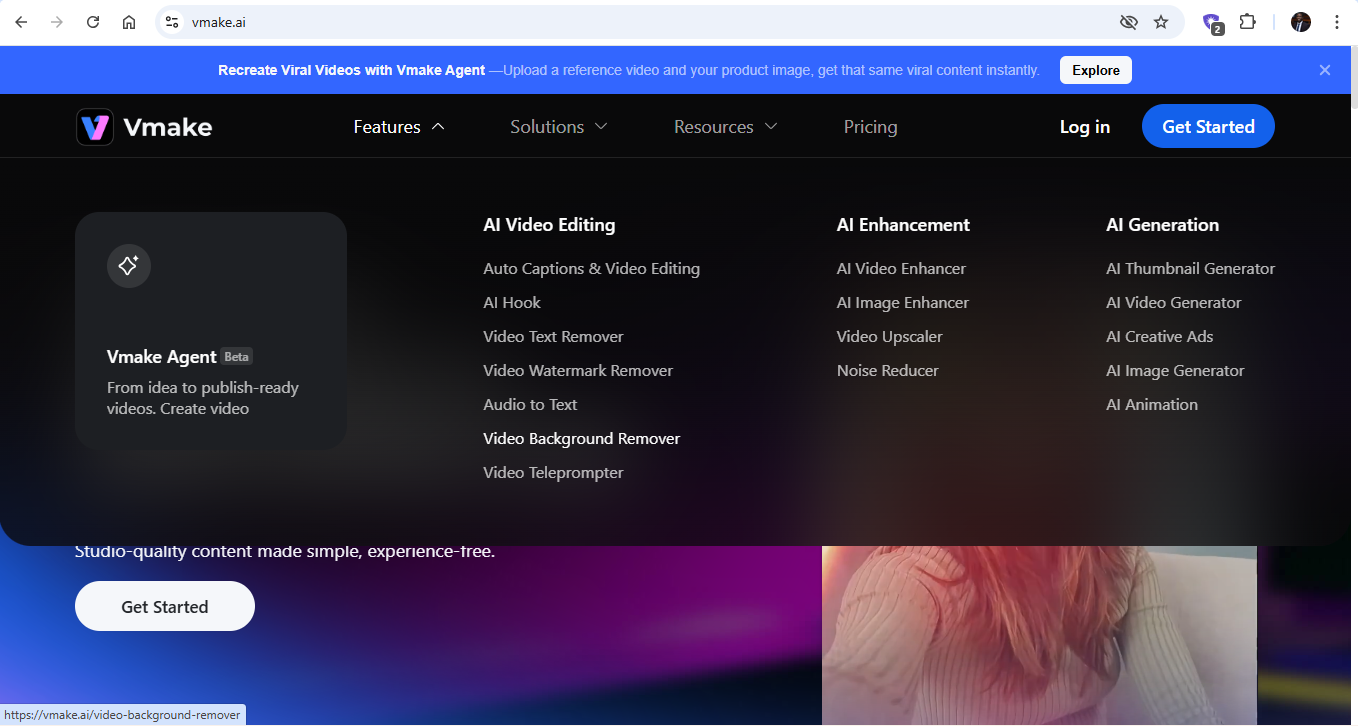
To use the Vmake video background, follow this path:
- Search for Vmake on your browser
- Search for video background removal
- Upload a video file and wait for the system to analyze the image.

- Refine the video to your taste.
- Download or export the video because it’s done.
- The users can also use Vmake Free video enhancer to upscale the video quality to 4K.
Vmake Use Cases
Creators use background removal for short videos posted on social platforms. This allows them to use the same clip across TikTok, Instagram, YouTube Shorts, and ads without visual conflict. It keeps attention on the lesson instead of the room. Marketers use background removal to overlay speakers on brand visuals, product shots, or promotional layouts. Small businesses use it to create clean explainer videos without studio setups. The common theme is efficiency. The video becomes adaptable.
Vmake focuses on removing friction. It does not attempt to replace full editing suites or overwhelm users with options. You do one thing and get a result. That makes it suitable for solo creators, small teams, and anyone producing content regularly. The platform handles the technical complexity quietly. You stay focused on storytelling, messaging, and distribution.
Quality Tips for Better Results
Automated tools perform better with thoughtful recording. Note these for better videos:
- Use natural light or soft artificial lighting. It will reduce shadows and help the system detect edges accurately.
- Avoid backgrounds that are the same color as clothing to avoid subject blending into the environment; separation becomes harder.
- Keep the camera steady. Sudden shakes or motion blur reduce clarity.
These steps do not require extra equipment. They simply improve input quality and lead to better output.
Final Take
When it comes to online background removal, sophisticated tools and skills are not the determinants. They focus on practical steps to improve clarity and adaptability, making your videos reusable. With the right tool, the process becomes fast and accessible. You record once and refine later. If your goal is clean visuals with minimal technical overhead, an online solution like Vmake’s video background remover offers a straightforward way to achieve it without slowing your workflow.