 Do Son
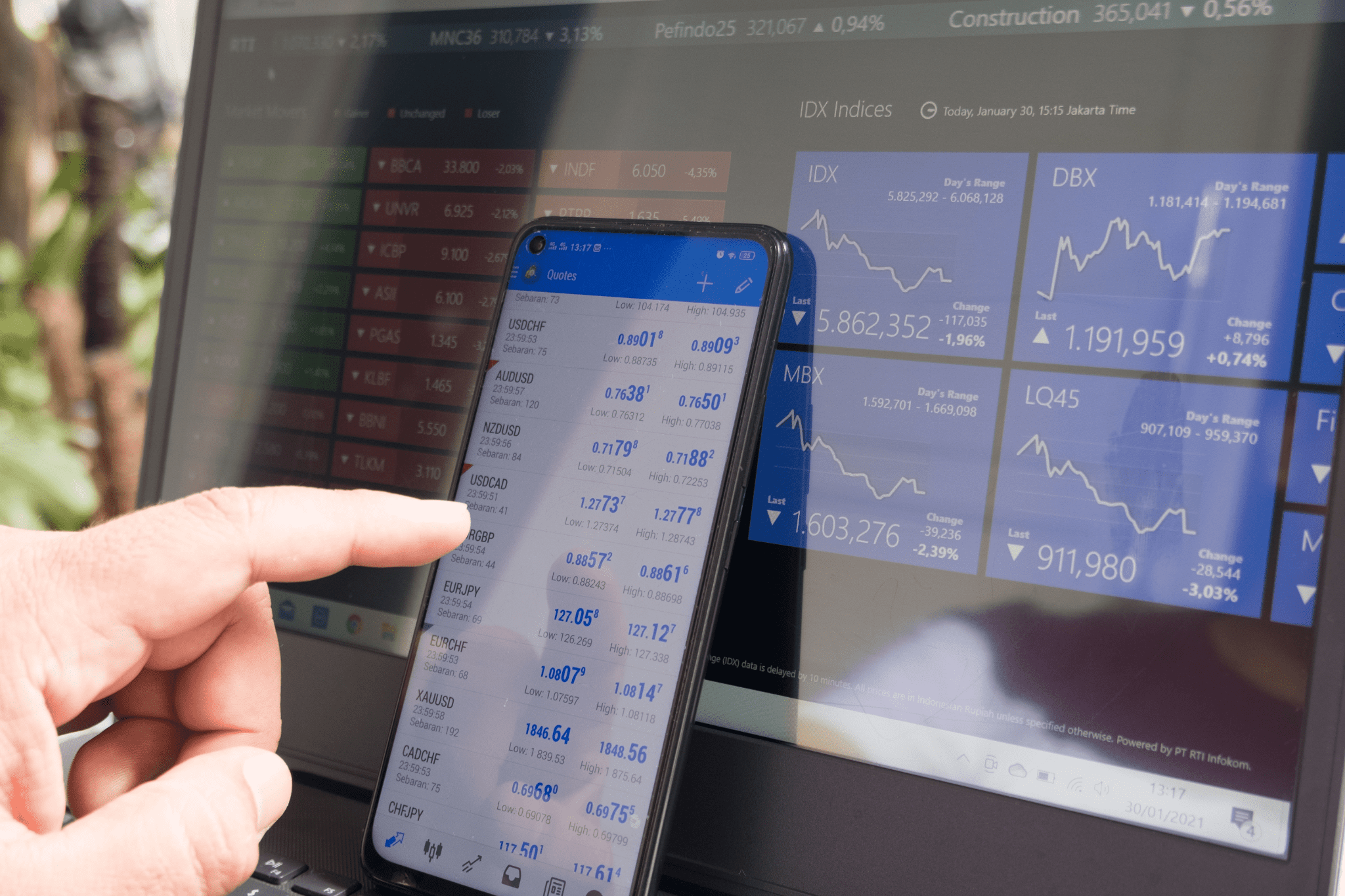
With many more people now stuck at home, trading has become the popular thing to do. In fact, E-Trade Financial Corporation, an online broker, had the most accounts ever opened in 2020, according to the Wall Street Journal. From an equipment point of view, it’s relatively easy to set yourself up as a trader and install your 6 monitor setup. It’s so easy, in fact, that many traders actually choose to build their own computers. Although, you can also find powerful devices that do everything for you, often referred to as Trading Computers. Either way, you’re bound to learn and develop your skills as you move forwards with your trading strategy.
Learn Trading with an Awesome 6 Monitor Setup
The first step is to think about how you’re going to get started as a trader with your multi-monitor setup. It might sound easy to just place money on changes in the market. Nevertheless, there is a skill involved and you should have a plan. Here are some tips to get you started:
- Develop your strategy
- Find an online broker
- Access your resources
Develop your strategy
You should first research the different types of trading approaches that exist. Although, many people talk about day trading these days. As the name suggests, you focus on short-term changes in stocks throughout the day. Alternatively, you can focus on longer-term approaches such as position trading. The key drivers for this decision are how much money you want to hold on your books and what kind of risk you’re happy to take.
When developing your strategy and your 6 monitor setup, you’ll basically need to think about your time frame and what kind of asset you want to be focusing on. Some traders get very technical and write algorithms to model their assets or stocks. Clearly, you don’t have to do this straight away. Nevertheless, you’ll need to be comfortable with numbers and graphs.
Find an online broker
You can’t actually deal directly with the markets on your multi-monitor setup. Instead, you have to go through a registered broker who does that for you. It’s relatively simple to open an account with them. Furthermore, depending on your trading strategy, you might even have more than one. To give you an idea, some of the names you often see are E-Trade, Fidelity, Charles Schwab, and many more. Each of them has its specialty and focus so do your research before you jump in.
Access your resources
You’ll most likely go through some trial and error as you work out how you want to use your 6 monitor setup. Another approach is to start with two or three monitors before you evolve to 6 monitors. Either way, make sure you plan your space. Essentially, you’ll want to arrange all your charts, trading accounts, and other news resources in the optimal way that works for you. As you practice and continue researching your markets, you’ll naturally learn and evolve as a trader, including your preferences for your multi-monitor setup.
What do Traders Need from their 6 Monitor Setup?
When reviewing monitor setups, here are the main criteria you want to consider:
- Speed and reliability
- Large space
- Ergonomics
Speed and Reliability
If you’re focusing on short time frames, then the speed at which your 6 monitor setup updates your charts is important. The way your computer does this is thanks to its graphics card. Most of them now have integrated graphics cards but many traders choose to install external ones. As an example, you’ll often come across NVIDIA and Radeon brands. These have a wide range of video card options to choose from. Although, you just need to remember that you’ll need at least 8GB of Graphics Random Access Memory with some brands even offering up to 12GB.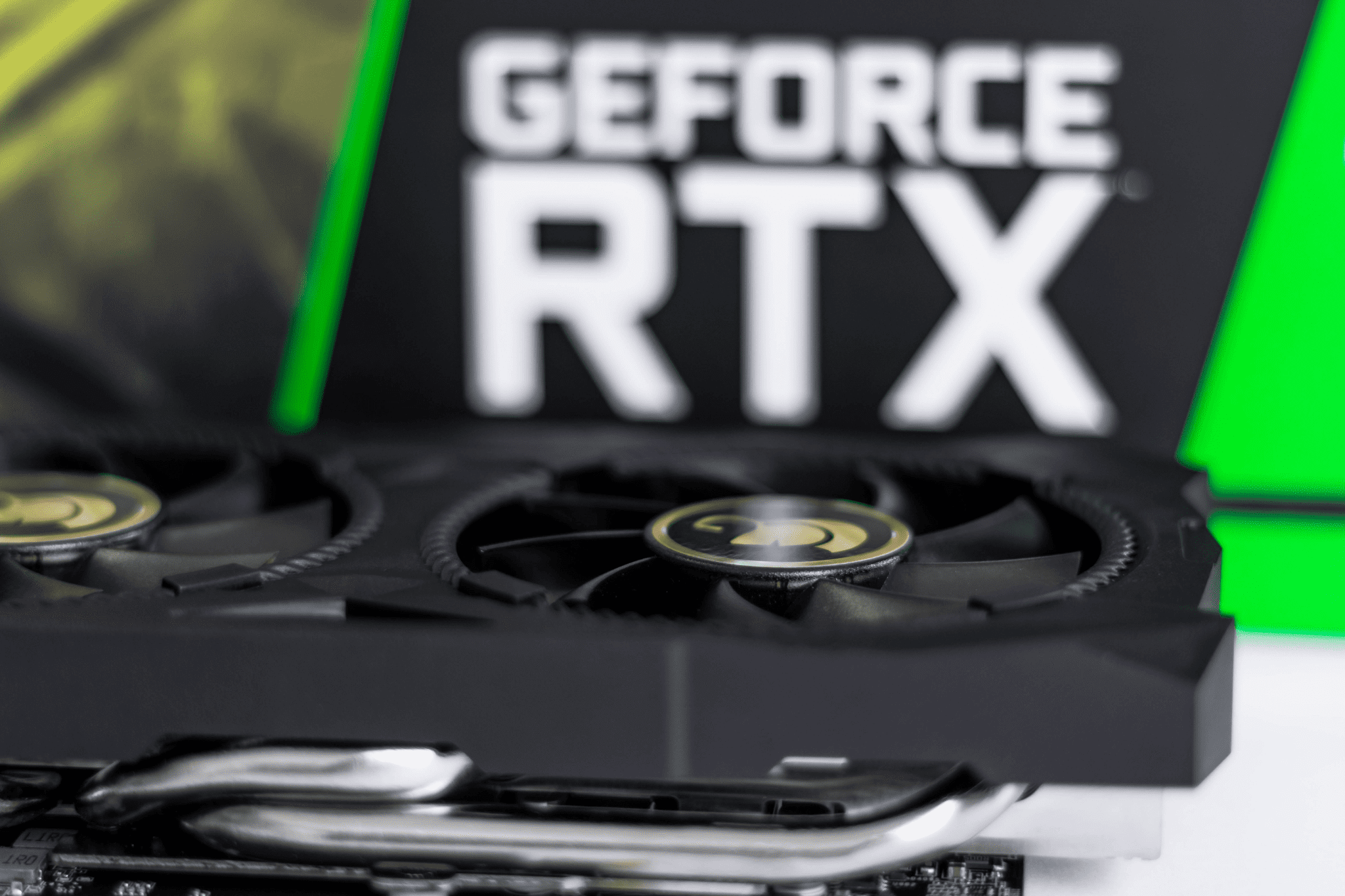
Large space
In terms of your two, three, or even 6 monitors, you might want to consider what resolution you want. The most common specifications are the LCD panels usually listed as one of three types: TN, VA, and IPS, in order of increasing resolution. Having said that, the more affordable TN panels are normally more than good enough for any 6 monitor setup as well as your trading needs.
Ergonomics
Don’t forget that you need to work both efficiently and comfortably. Trading can be a high-stress job, especially if you’re focusing on short-term time frames. Therefore, it’s worth investing in an ergonomic chair that supports your back. Then, you should make sure that your primary monitor is at eye level so that you don’t strain your neck. Furthermore, the adjustable monitor mounts are perfect for making sure that the rest of your 6 monitor setup is aligned correctly for you.
Last but not least, and this might sound obvious, but finding ways to tuck away your cables can also be a huge benefit. It keeps things tidy and stops you from tripping over them. Of course, you’ll have to check your DisplayPort. Although, the most commonly used ports are the HDMI, VGA, DVI, and USB ports.
Final Recommendations for Trading with a 6 Monitor Setup
Before you launch into installing your multi-monitor setup, it’s worth planning ahead as to what type of trading you might like to start with. This will give you an idea of the complexity of your trades and whether two, three, or 6 monitors are best for you. From there, you can then specify what type of laptop or desktop, including the level of graphics cards, you want to invest in for your multiple monitors. Everything else then nicely follows on from there.