 Do Son

Malware attacks are common and can really cause a mess in your life. Not only can they take over your computer and make things difficult as you try to remove it, these attacks can easily get ahold of your personal information and use it how the hacker wants.
The good news is there are a few great tips that you can follow to help prevent these malware attacks. The best tips that all computer users need to keep in mind include:
Install Anti-Virus Protection
You need to have an antivirus program on your computer at all times and you need to make sure that it is up to date. This allows you a simple way to scan all the files in the computer to catch when malware is present.
With this in mind, you need to do a few actions as well. Check that the anti-virus is up to date at all times, remove any of the malware that is found when you do a routine antivirus scan, and do a cybersecurity assessment of your system to see if there are any errors, missing data, or gaps in security.
Consider a VPN
A VPN can be one of the best ways to protect you from malware attacks. The best VPNs allow you to hide all of your browsing and work online, making it harder for others to find you. When a hacker is not able to track which websites you have visited or where you are going, it is a lot harder to do an attack against you.
There are many different VPN options for you to choose from. Go with one that has a good reputation for keeping their customers safe and all work online anonymously and are hard to find. When you find the right company, it is much easier to browse around and do what you want online, without everyone being able to trace you.
Use Authentication Methods That are Secure
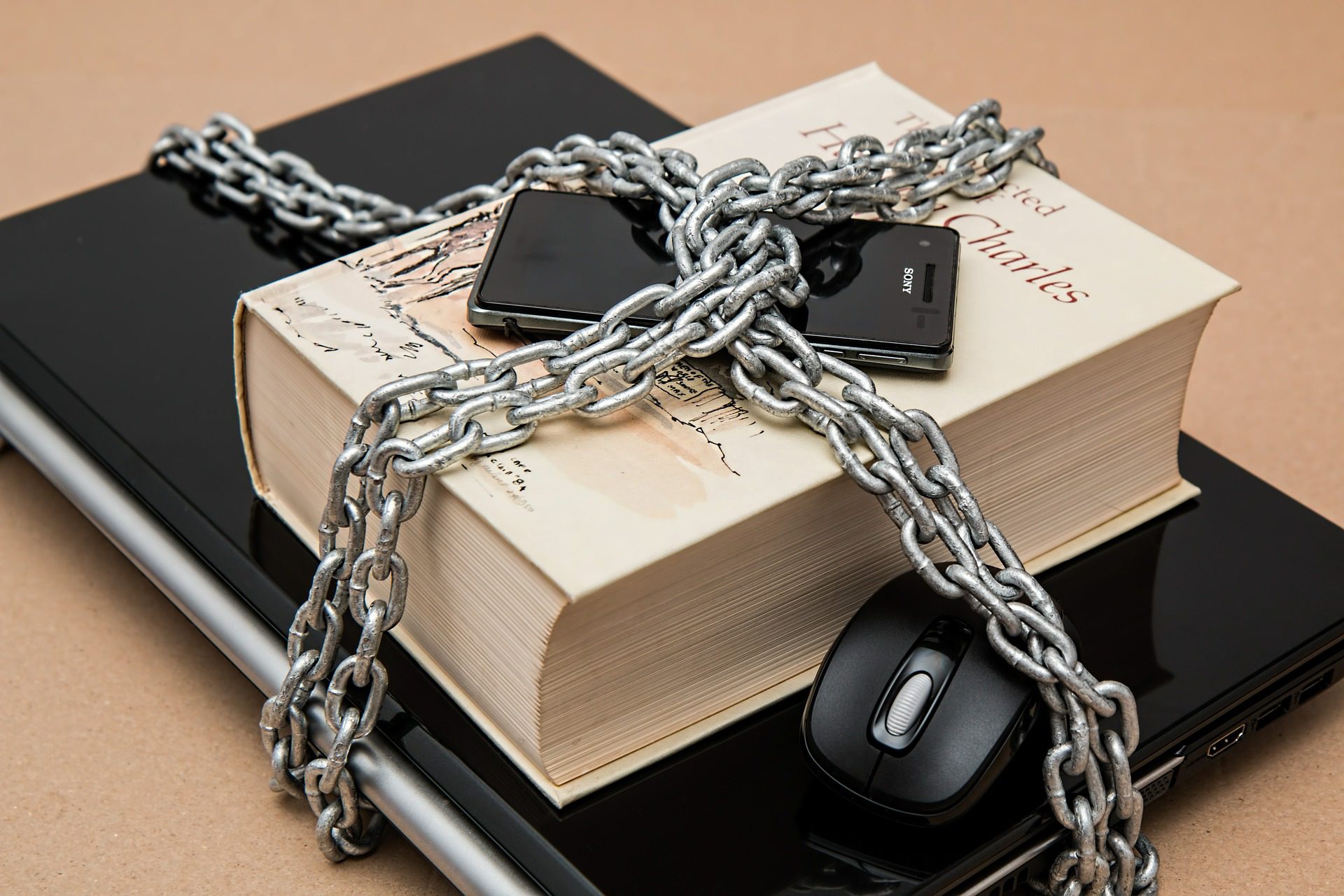
There are a few authentication methods you should use to keep your computer safe. For example, use passwords that are strong, with a combination of uppercase and lowercase letters, numbers, and symbols in each one.
If possible, consider doing a multi-factor authentication to make things a little bit harder. Security questions and PINs on each account will help. In some cases, you can use a biometric tool, like an iris scan or a fingerprint to keep your computer safe.
It is important to never save a password on your network or a computer. If you struggle to remember some of the passwords that you need, then carefully choose a secure password manager to make things easier.
Only Use the Administrative Accounts When Necessary
It is easy to start using administrative accounts all the time. This can make it easy rather than switching back and forth from one account to another. Malware will often have the same privileges as the user who is active. If your active user is a non-administrator account, then the malware will not be able to get to the sensitive parts of the network.
This means that you should avoid using your administrative privileges to browse the web or even when checking your email. The only time you should use this option is to perform some of the important administrative tasks, like doing configuration changes.
Keep All the Software Updated
Updates can take up time and are kind of a pain. But when you keep outdated software on the computer, you will be inviting malware into your computer. When an update is available, it means software vendors have patches to help cover any vulnerabilities that they found within the software. The update basically makes the system safer.
To help keep yourself safe against malware, you need to regularly update the operating system as well as all the software tools you have. This is a good time to implement routine maintenance to make sure all your software is current to keep the malware far away.
Use the Least Privilege Model
For networks of computers, you need to use even more policies to keep things safe. One mistake from those in your company and the whole network could be vulnerable to these attacks. This is why you should adopt, as well as enforce, the principle of least privilege.
What this means is that you should only grant users in the company the minimum access to the network possible. Only give them the amount of access they need to complete their job and nothing more. This way, if someone is attacked, it can hit the network as little as possible rather than taking the whole system.
Watch the Emails

Your business has to use emails. This is a big communication tool between you, your employees, and your clients. Email can be important, but it will also be a common channel for malware to get onto the system.
There are a few steps that you can take to reduce the risk of infection through email when you use it for your business. First, make sure that you set up a scan to check all of the email messages to see if malware is there. Double-check the attachments before you open any.
Your spam filters need to be on anytime you use the email. This will help reduce the number of unwanted emails you receive and can protect you from an attack. And finally, make sure that you limit user access to only links approved through the company and teach proper email protocol for everyone.
Preventing Malware Attacks
Malware attacks can be dangerous for your computer and for your personal life as well. We store a lot of information online and it is just a matter of time before a hacker can find this information and use it against us.
When you are careful about what you do online, use a VPN, and take the right actions, like the ones we discussed above, you can protect yourself against a malware attack while keeping yourself, and your personal information, safe.