 Do Son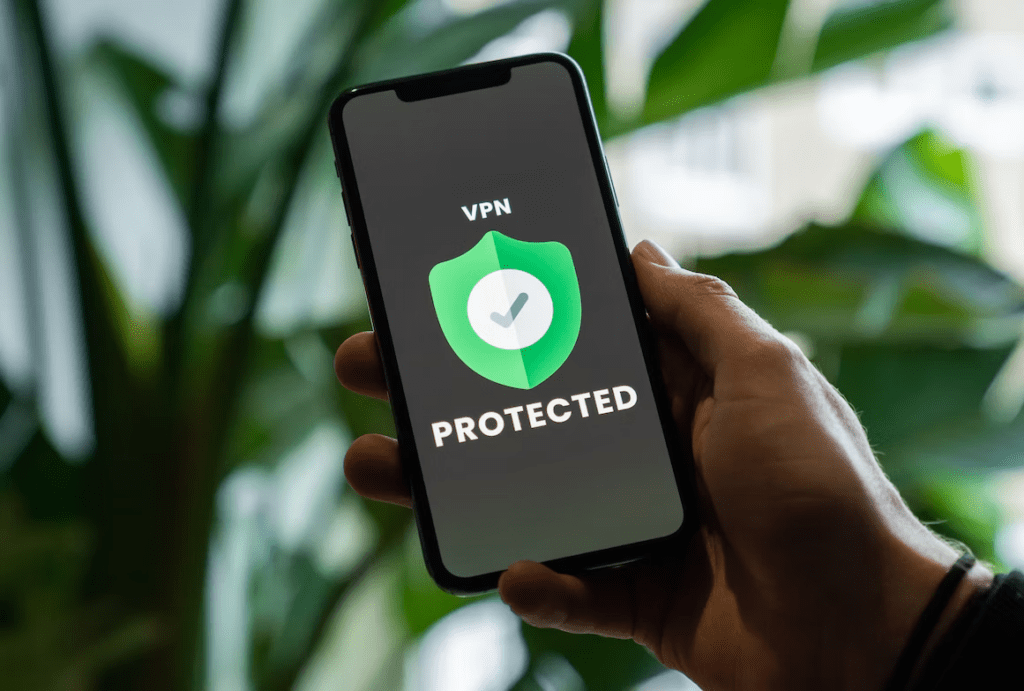

In today’s digital world, it is becoming increasingly important to protect our privacy online. As technology advances, more of our lives are being stored and shared on the internet. From banking information to social media posts and even medical records, practically everything about us can now be found online. This makes it essential for us to take steps in order to protect ourselves from cybercriminals who could use this data against us. Fortunately, there are a number of ways we can safeguard our personal information when using the internet. In this article, we will discuss the most effective strategies that you can use in order to protect your privacy online and keep your data secure.
Use a VPN Service
Virtual Private Networks (VPNs) provide an extra layer of security by encrypting all internet traffic before it leaves your computer or device. This prevents snoopers from seeing what websites you visit and protects sensitive data like credit card numbers. VPNs also hide your IP address, making it harder for hackers to track you online. Many free and paid-for services are available, so make sure to do your research and choose one that offers the features you need. And don’t forget to check the coupons and discounts available to get the best deal. With the latest IPVanish coupons you may even get up to 77% off on some of their plans. So before buying a VPN subscription, make sure to compare the different deals available and choose the best one for you.
Use Strong Passwords
A strong password is the cornerstone of any secure online profile. It should include a combination of numbers, letters, and special characters that are not easily guessed. Create unique passwords for each account you have so hackers cannot use the same one to break into multiple accounts. Additionally, make sure to change your passwords regularly in order to stay ahead of potential attackers. And if you are having difficulty coming up with complex passwords, you can use free password generators available online. These tools will create hard-to-crack passwords that are difficult for hackers to guess. You could also use a password manager to easily store and manage your passwords securely. Just remember to use a very strong master password to protect your accounts.
Use Two-Factor Authentication
Two-factor authentication (2FA) is an additional layer of security that requires you to enter a code sent to your phone or email address after you’ve entered your username and password. 2FA adds an extra step to the login process, making it much harder for hackers to access your accounts even if they manage to get hold of your credentials. Most major websites offer this feature, so make sure to turn it on wherever possible. The same goes for multi-factor authentication (MFA), which requires you to enter a fingerprint or facial recognition scan in addition to your username and password. These are often seen as a more secure alternative to 2FA, so try to enable them whenever you can.
Use Encryption Software
Encryption software scrambles the data you transmit online so that it cannot be read by anyone other than the intended recipient. This means that even if your information is intercepted, hackers will not be able to understand or use it. Many web browsers now come with built-in encryption features, but you can also purchase additional encryption tools for added security. Before sending any sensitive information over the internet – such as credit card details – make sure that the connection is encrypted by looking for a padlock icon in your address bar. Sometimes you may also see an “HTTPS” instead of the traditional “HTTP” at the start of the web address. This indicates that the website is using an extra layer of security to protect your data.
Be Careful When Using Public Wi-Fi
When connecting to public Wi-Fi networks, it is important to be aware of potential security threats. Without encryption, these networks transmit data in plain text and can be easily hacked by criminals looking for targets. Never use public hotspots to access sensitive information such as banking details or passwords and try to limit any non-essential browsing you do while connected to them. If you must use public Wi-Fi, make sure that you turn off file sharing so that your information is not accessible to other users on the network. Also, be sure to switch off Wi-Fi on your device when you are not using it, as this will reduce the chances of a hacker gaining access to your information.

By following these simple steps, you can help ensure that your personal information stays safe and secure online. Remember that although it may seem like a daunting task, protecting yourself from cybercrime is well worth the effort in the long run. Stay vigilant and take advantage of security measures available to keep hackers at bay! As long as you stay proactive and mindful of the potential risks, you should be able to enjoy a safe and secure online experience.