 Do Son
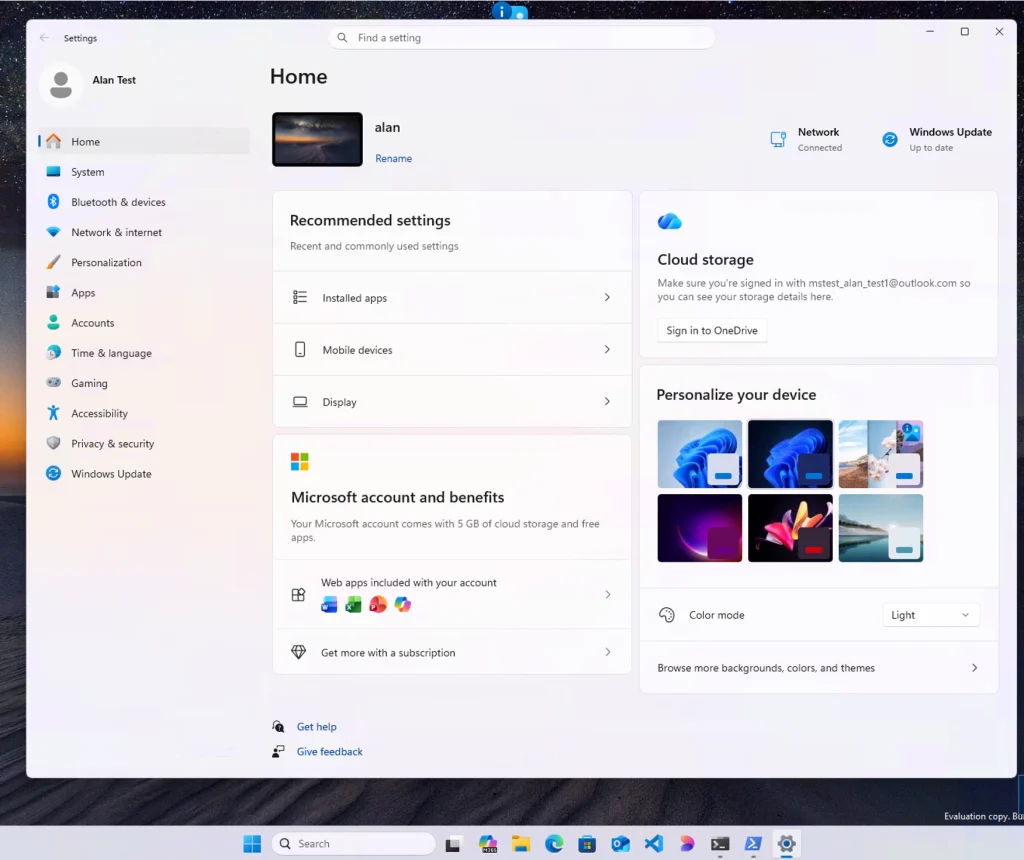
Microsoft recently distributed its November cumulative security patch for modern desktop computers. Specifically, the Windows 11 KB5132061 update triggered widespread installation failures immediately upon release. Affected users encountered persistent error codes despite repeated download and installation attempts. Following urgent community feedback, Microsoft engineers launched a rapid diagnostic investigation. Preliminary findings traced the deployment breakdown directly to conflicts within Windows Sandbox. Consequently, Microsoft deployed an automated server-side fix to resolve the installation failure.
Installation Stalls at 99% With Specific Error Codes
The problematic patch targets Windows 11 versions 25H2 and 26H2 alongside supported 24H2 editions. Installing the update elevates system builds to 26200.9974, 26300.9974, and 26100.9974 respectively. According to user reports, installations frequently stall at ninety-nine percent completion before failing. Common error codes include 0x800f0993, 0x80070306, 0x800f0989, 0x800f0915, and 0x800f0922. As detailed in the official Microsoft support advisory for KB5132061, diagnostic logs revealed repeated calls to sandbox components. Therefore, technical users discovered an effective manual workaround by disabling Windows Sandbox temporarily. Once the cumulative patch finished installing, operators re-enabled the virtualization feature without further complications.
Server-Side Deployment Eliminates Manual Troubleshooting
Because this deployment bug disrupted numerous workstations, Microsoft bypassed standard preview release schedules. Instead, engineers pushed a corrective hotfix directly through cloud update servers. Once a device receives this background adjustment, subsequent update checks proceed without errors.
Automatic Recovery Timeline and Manual Installation Options
Importantly, Microsoft confirmed that end users do not need to perform manual interventions. Windows Update automatically retrieves the server fix and applies it silently. Within twenty-four to forty-eight hours, affected machines automatically redownload and install KB5132061. Meanwhile, administrators seeking immediate remediation can download the standalone installer package manually. Ultimately, rapid server-side servicing restores reliable patch management across enterprise and consumer environments.
Support Our Threat Intelligence
Find our tech and OS security coverage helpful? Support our work today and unlock a 100% ad-free reading experience!
 Buy Me a Coffee
