 Do Son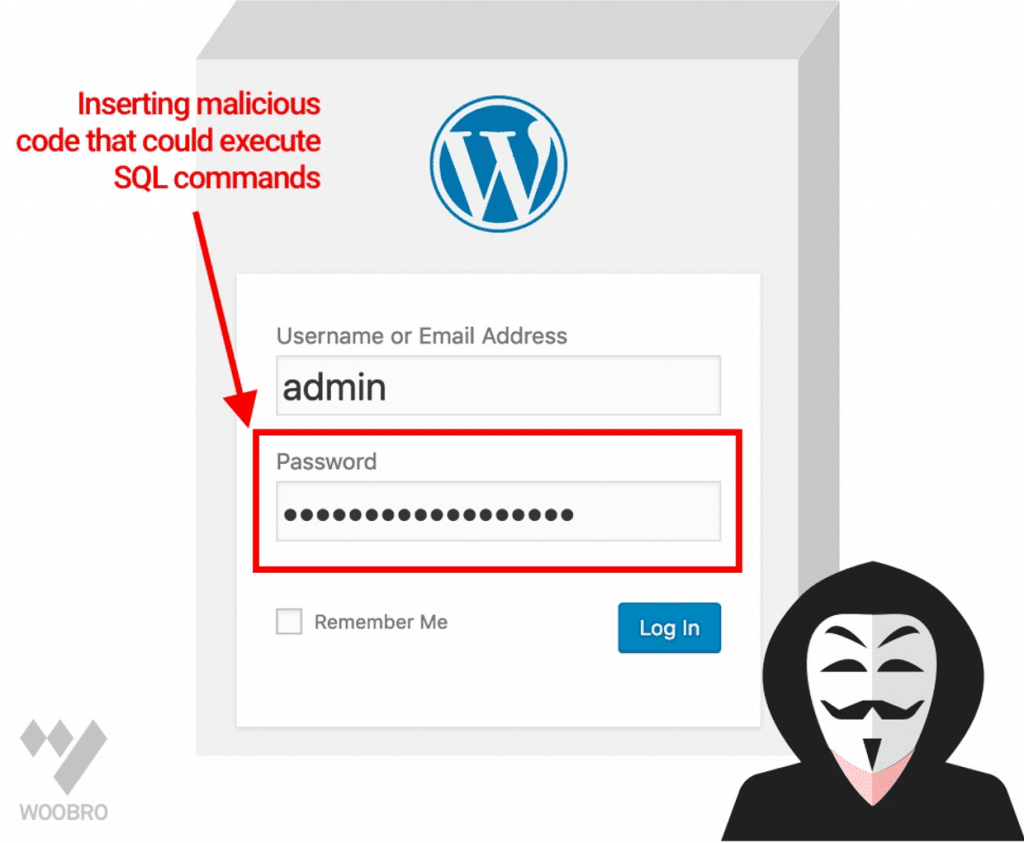
Cyber-attacks are becoming more frequent and threatening than ever before. Part of the reason for the rapid escalation of cyber-attacks is because nearly every brick-and-mortar store has transitioned to an online business.
As a result, cybersecurity has become one of the top-most concerns for online businesses – big and small. And with WordPress powering over 35.2% of websites on the internet, it’s without a doubt that most of “these” websites are built on this powerful content management system (CMS).
Thankfully, the core WordPress software is quite safe. However, because of the platform’s sheer popularity, WordPress sites are a favorite target for hackers looking for vulnerable and less secure websites to exploit.
The good news, however, is that with proper defenses, you don’t have to worry about your WordPress site getting hacked. In this article, we’ll show you how you can improve the security of your website in five easy steps.
How to Secure Your WordPress Website in 5 Easy Steps:
1. Keep your WordPress software up to date
WordPress hack victims share one thing in common and that is – running an outdated version of WordPress.
For example, a 2016 research study conducted by Sucuri found that 55-61% of WordPress infections were as a result of running an older version of WordPress.
While it’s understandable that keeping up with WordPress updates can be tedious – and can at times break your theme or mess up a plugin’s functionality – ignoring the updates is even more dangerous.
Note that websites running on outdated WordPress versions are a soft spot for hackers since all the vulnerabilities have already been pointed out by users and are already public knowledge. So, for you to be on the safe side, you need to be on the lookout for new releases.
The easiest way to go about this is to configure automatic updates. Some host providers make this process even easier. A good example is Bluehost, which offers automatic WordPress updates in both its shared and managed hosting plans.
2. Keep your theme and plugins updated
One of the most exciting things about using WordPress is the versatility and flexibility it offers thanks to its dizzying array of themes and plugins that help increase its functionality to a great extent.
However, themes and plugins are the easiest way that hackers can gain access to your site. As such, you need to ensure that they are always updated.
What’s more, you need to reduce the number of plugin-installs on your website. Too many plugins mean that you are running more code, which in turn increases your website’s “attack surface.”
Lastly, ensure that your themes and plugins are downloaded from reputable sources such as the WordPress.org theme and plugin directory. Themes and plugins from unreliable sources are normally poorly coded and might create some loopholes that hackers can easily exploit.
3. Choose a reliable hosting provider
When shopping for a hosting provider, most people usually look out for the price, support, reliability, scalability, ranking, and, performance – security comes last on the list. However, with the rising cybersecurity concerns, priorities have changed and security has taken center stage.
While your hosting provider cannot guarantee 100% security, several benefits come along with choosing a solid hosting service. For example, with a quality host, you can be assured of constant service, software, and tools updates.
Along with that, the hosting provider will respond to new threats and eliminate potential security breaches promptly. You will also get access to the Web Application Firewall (WAF), automatic backups, and various targeted security features such as SSL/TLS certificates.
The above benefits should offer you a good starting point to work from when looking for a solid host. However, we recommend that you choose a hosting service that’s specialized in running websites based on the platform and offers a WordPress optimized environment.
If you are still are stuck, Bluehost and SiteGround should be a good place to start. Both companies are recommended by WordPress. You can check out an in-depth review of Bluehost vs SiteGround here.
4. Switch to HTTPS
HyperText Transfer Protocol Secure (HTTPS) is an extension and a more advanced and secure version of the HyperText Transfer Protocol (HTTP).
With HTTPS protocol, data between the user’s computer and your website is protected via a layer of encryption to ensure that it cannot be modified or corrupted during transfer.
Therefore, if your website accepts online payments, then switching to HTTPS is mandatory as it ensures that online transactions are secure. Also, the user’s data is protected from phishing and tampering.
To enable HTTPS on your site, you must obtain an SSL certificate. The certificate is issued by a certificate authority (CA). Some host providers such as Bluehost and Hostgator also provide you with free SSL as part of your hosting package. You can read a Bluehost vs Hostgator review here on MamboServer.
There are numerous benefits of switching to HTTPS in line with Google’s recent updates. For one, your website will not be flagged by Google Chrome and other browsers as insecure.
What’s more, having HTTPS will boost your SEO efforts as sites with HTTPS will be more preferred. Google incrementally took these measures to push for safe and secure browsing.
5. Create secure login credentials
Ordinarily, using a secure password should be a no-brainer. Nevertheless, you’ll be dazed at how many people use basic passwords – such as their pet name for secure logins.
While it’s natural to create passwords that are easy to remember, what we forget is that weak passwords are a surefire way of getting our sites flagged by the scanners that hackers use for brute force attacks.
So, instead of creating easy to remember or easy to guess passwords, here are some pointers that will help you create a strong password.
- Use long passwords – up to 15 characters if possible. Use letters (uppercase and lowercase), characters, and numbers.
- Avoid re-using passwords. A password manager will help you keep track of all your passwords.
- Avoid using personal information as your passwords.
While we cannot exhaust the list of password tips, these three should help you create uncrackable passwords.
Once you’ve created your holy-grail password, keep it safe. Do not share with anyone and also ensure that you change it regularly.
Wrapping Up
As the old adage goes, “A chain is as weak as its weakest link.” Well, when it comes to web security this principle applies.
And with hackers trying to identify every weak point on your website for malicious intents such as spamming and phishing, it is up to you to ensure that your website is safe.
However, the problem is that these hackers are becoming more determined and sophisticated in their techniques. As such, it’s hard to guarantee complete site security.
The good thing, however, is that employing the above tips can help you reduce the risk but not eliminate it.