 Do Son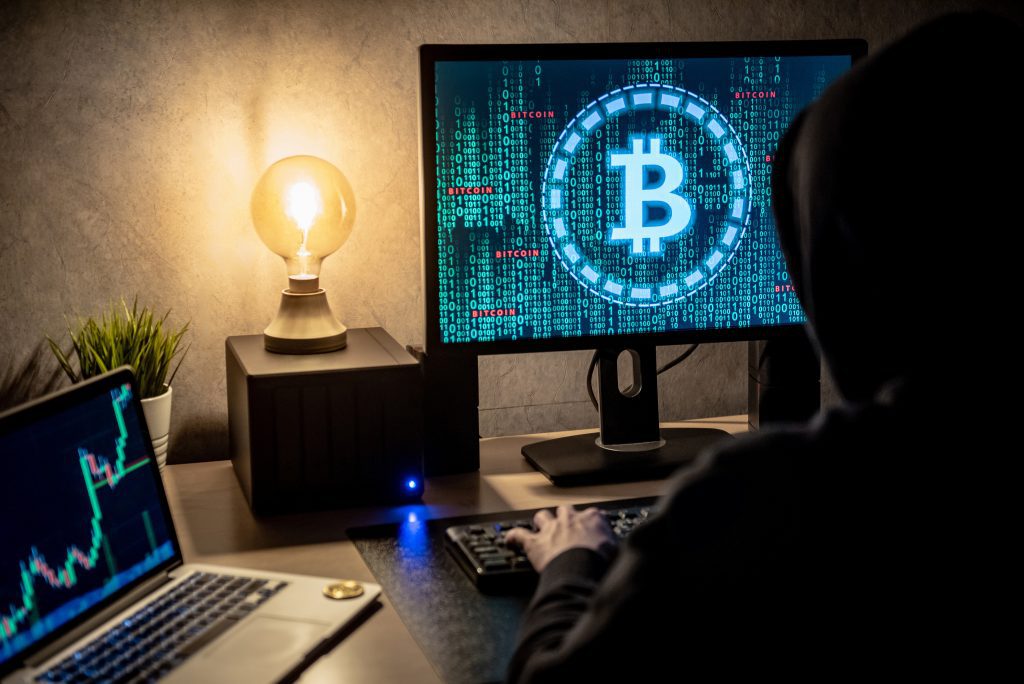
Hacker man using laptop and computer with Bitcoin green binary graphic and cryptocurrency candlestick graph price on monitor screen. Cyber crime digital currency laundering concept
If you are familiar with how hackers have breached cryptocurrency exchanges in the past to steal crypto coins. Then you probably don’t feel safe keeping your coins in the exchange wallet.
Even you should not really do so. As this puts your crypto investment at risk of getting hacked. So the question is, what is the safest way to store Bitcoins safely?
To help you with this question only, I am going to talk about different wallet types and how you can keep your Bitcoins or any other cryptocurrency safe. So here we go:
Types of Crypto Wallets
Hot and Cold Wallets:
Crypto wallets connected to the internet are referred to as hot and cold wallets. Hot wallets are connected to the internet. Hence, they are less secure and always at a risk of getting hacked. Also The Money Mongers mentions, the wallet which popular crypto exchanges like WazirX, Coinbase and Binance provide are a Hot wallet. However, they are user-friendly and great enough for frequent crypto transactions.
On the other hand, cold wallets are stored offline, and they don’t require an internet connection. As a result, they offer you improved security and less risk. You can use a cold wallet for long-term holdings.
Hardware Wallets:
Hardware wallets are hardware devices that handle public addresses and keys. It looks like a flash drive with an OLED screen on it and has side buttons.
It is also a battery-less device and can be connected to a PC and accessed by native desktop apps. However, these wallets come with a price anywhere between 100 to 2000 dollars. These types of wallets are highly secure compared to hot wallets. Also, they are pretty easy to use.
Paper Wallets:
Paper Wallets are now an old generation thing, and it is not really recommended. A paper wallet is a physically printed QR coded from the wallet. Some wallets allow you to download the code and generate a new address offline.
The good part is that they are safe from hacks. But there are a number of flaws in it that can make your crypto investments at risk.
Desktop Wallets:
Desktop wallets are installable applications available for different operating systems. However, they do require your PC to have an Anti-virus application installed. Because your desktop is always connected to the internet, which can pose a fundamental security issue.
Mobile Wallets:
Mobile wallets are similar to desktop wallets. They are pretty convenient to use, and it uses QR codes for transactions. You can use them for daily transactions. But mobile wallets are vulnerable to malware infection.
Web Wallets:
Lastly, there are web wallets. Web wallets are accessed by internet browsers. However, they are not so secure. As the private keys are held in web wallets are prone to DDOS attacks.
Also, web wallets can be hosted or non-hosted. The non-hosted wallets keep your funds in control. But we cannot deny the fact that they are the least secure wallets.
Tips to Store your Crypto Safely after your purchase
Hardware Wallet:
Hardware wallets are definitely one of the best ways to keep your crypto safe. They are completely offline and protect your crypto against hackers.
All you have to do is withdraw your cryptocurrencies to the hardware by sending them to your hardware wallet address, and you are done. Similarly, when you want to transact your crypto, you have to connect the hardware wallet to your PC.
Turn on two-factor authentication:
Make sure to turn on 2FA or Two-factor authentication for your Bitcoin wallet. This way, hackers will not really find it easy to steal your cryptocurrencies. For 2FA, make sure to use another phone with a different SIM card. And it should only be used for this purpose only. If you are going to use your primary phone for 2FA, your phone is most likely to get hijacked.
Secure network:
When you are accessing your Bitcoin wallet via the internet, make sure to use a secure and private network. Also, do avoid using a public WiFi network. In case if you need to use a public network only, then make sure to use a VPN to encrypt your web activity and IP address. Also, for your home network, make sure to use an antivirus application.
Use a strong password:
You should also use a strong password. Your password should be 16 characters long. Also, it should have a combination of letters, numbers, and special characters. You can also use a password checker to ensure that your password is secure.
Along with that, make sure to store your password safely. If you lose your password, you won’t really have many options to recover your investments. So I would recommend you to keep a paper copy of the password. Also, store the password safely somewhere.
Conclusion
So those were some of the safest ways to store Bitcoins safely. I hope this has helped you with your query. In case if you wish to ask anything else, then do comment below, and I will help you out.