 Do Son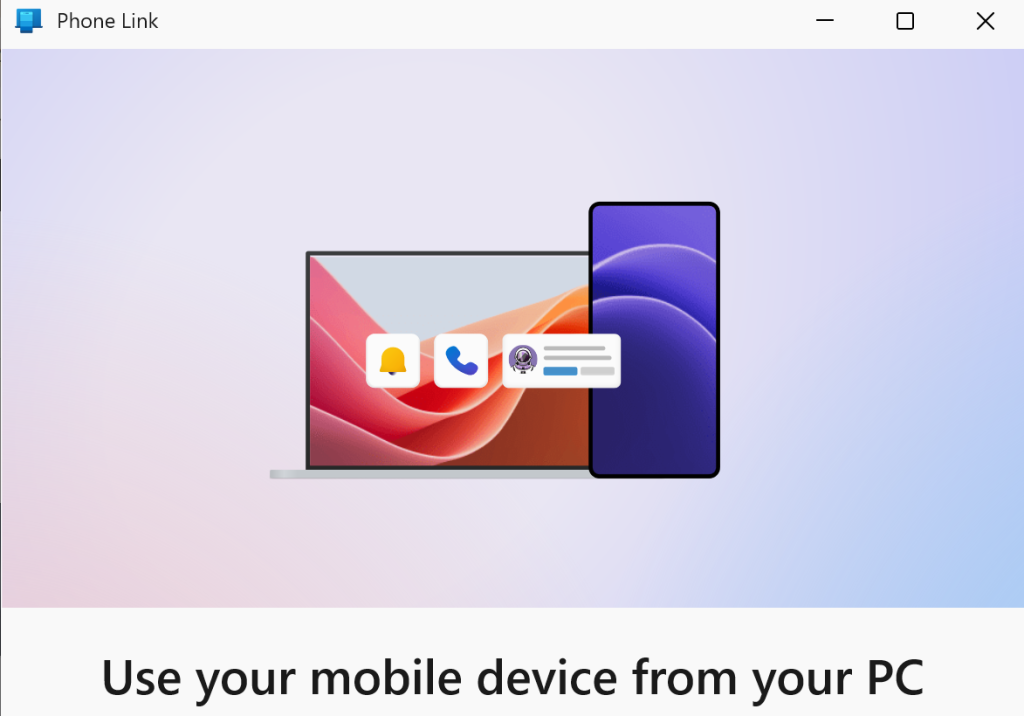
The Microsoft Phone Link application permits cross-device operations between computers and mobile devices. Due to Apple’s inherent operating system restrictions, iOS compatibility remains severely constrained. Conversely, pairing an Android device unlocks a rich assortment of advanced capabilities, including seamless verification code transfer, photo synchronization, and direct file access.
Upcoming Remote Management Capabilities
Recent code strings discovered within the latest iteration of the Phone Link application reveal an exciting upcoming addition. Microsoft is actively developing robust remote control and power management functionalities. Leveraging this upcoming feature, users will soon be able to utilize their paired Android device to execute remote shutdowns, system reboots, and sleep commands on their Windows 11 computer. Windows Latest recently reported on these evolving capabilities.
Because this innovative feature remains strictly in early development, it is currently inaccessible to general users. However, explicit code strings outline a comprehensive array of forthcoming options. These include standard restarts, full shutdowns, update-and-restart sequences, update-and-shutdown procedures, and sleep mode activation. Naturally, executing a complete shutdown or initiating sleep mode severs the active connection immediately. Consequently, users wishing to reconnect must physically return to their computer to power the machine back on.
The Absence of Wake-on-LAN Functionality
Curiously, current code strings provide zero indication that Microsoft intends to incorporate remote power-on capabilities. Both full shutdowns and sleep states inevitably terminate the active link. Introducing a remote wake feature would undeniably elevate user convenience exponentially. Traditional remote power-on relies heavily upon Wake-on-LAN (WOL) protocols, which dispatch specialized magic packets across the local network to awaken sleeping hardware.
The developer’s decision to omit this capability thus far likely stems from historical technical hurdles. WOL traditionally demands prior configuration within the computer’s BIOS. Furthermore, users must manually modify network adapter settings to accept incoming magic packets while remaining connected to the local subnet. Admittedly, modern PCs frequently arrive with LAN wake configurations enabled by default. This modern convenience largely spares users from navigating complex BIOS menus.
Nevertheless, network traversal limitations present a persistent challenge. Microsoft is unlikely to engineer complex network traversal infrastructure solely for this utility. Future iterations of the Phone Link application might eventually support local network WOL functionality. However, users operating across external networks will likely need to explore alternative solutions. Such workarounds include leaving the machine powered on continuously or investing in dedicated hardware remote power controllers.
Support Our Threat Intelligence
Find our tech and OS security coverage helpful? Support our work today and unlock a 100% ad-free reading experience!
 Buy Me a Coffee
