 Do Son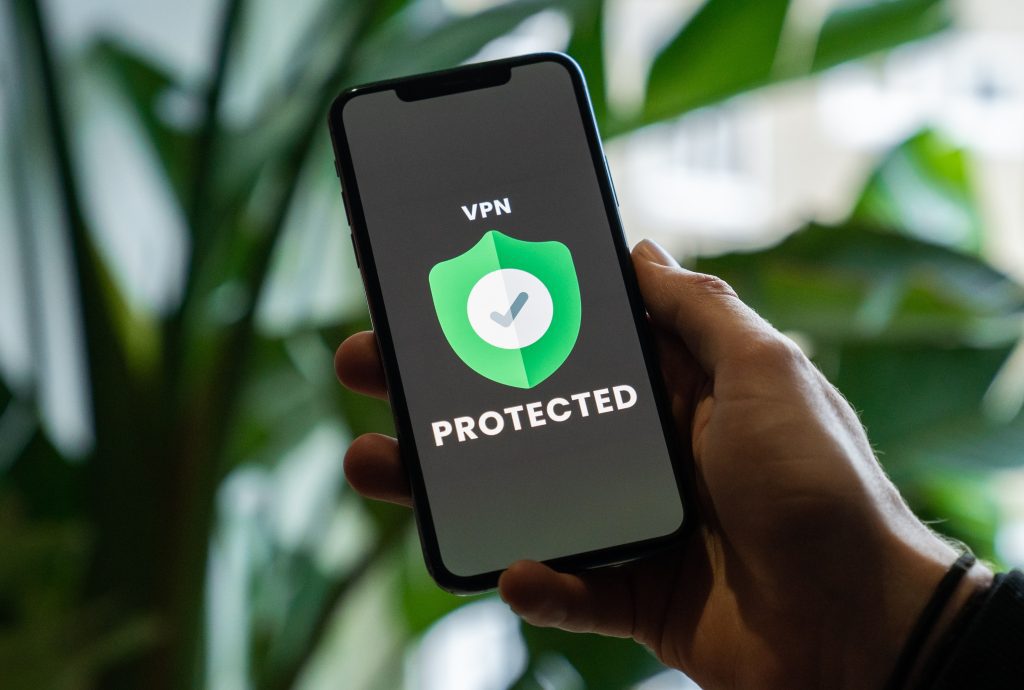
Online privacy is a valid concern to anyone. And it is particularly important for students in the age of digital education, a multitude of online resources, and overall technology penetration. Being proactive about securing your data is the key. In this guide, you’ll learn all about the best tools and rules to do so.

Online Privacy Concerns
Nowadays, students use online resources daily – from forums and search engines to digital classes and courses. All of that creates a digital trail of your personal data. It is important to safeguard it from marketers and criminals.
Why should you care? There are several major risks:
- Identity theft;
- Loss of finances;
- Personal breaches and leakage of sensitive information;
- Potential loss of devices;
- Loss of important files or data.
For instance, malware and viruses can destroy or delete all the files on one’s device. Imagine losing all your study materials and papers the day before the deadline. In such a case, not only do you risk \never restoring those files. You also have to start over on the essay or term paper to keep the grades up.
Surely, some services can help with that. For instance, WritePaper offers high-quality assistance with academic writing to all students in need. Whether you’ve lost your essay or simply need some help with polishing it, professional writers will step in almost no time. They offer writing, editing, and proofreading services on the shortest notice.
This helps students to upgrade their papers, get more confident in their academic writing, and receive the best grades. However, if you lose all your data, there is no way to restore photos, videos, or personal files. So it is still important to protect your data.
Identity theft, scams, and financial risks are among other essential concerns students should care about. So how can one protect their data? With proper internet hygiene and security tools.
General Privacy Rules to Follow
The first step is to be cautious about your online presence. Students need to be aware of the risks and be reasonable with their surfing. Here are some ground rules to make your routine:
- Do not go on sketchy websites or the dark web (at least without protection);
- Do not download any files from non-credible resources: they might contain viruses or tracking software;
- Visit and use only trusted platforms;
- Download apps only from trusted sources like Google Play, Apple Store, or Samsung Store;
- Regularly delete unnecessary files and doable accounts you do not use;
- Before registering or subscribing somewhere, check the privacy policy and the access granted to sources or apps;
- Set strong passwords and two-factor authentication;
- Log out from your accounts when not used;
- Do not share sensitive information on social media (address, family information, relationships, etc.).
And, of course, use appropriate tools that protect your devices and information.
The Best Privacy Tools for Students
VPN Service
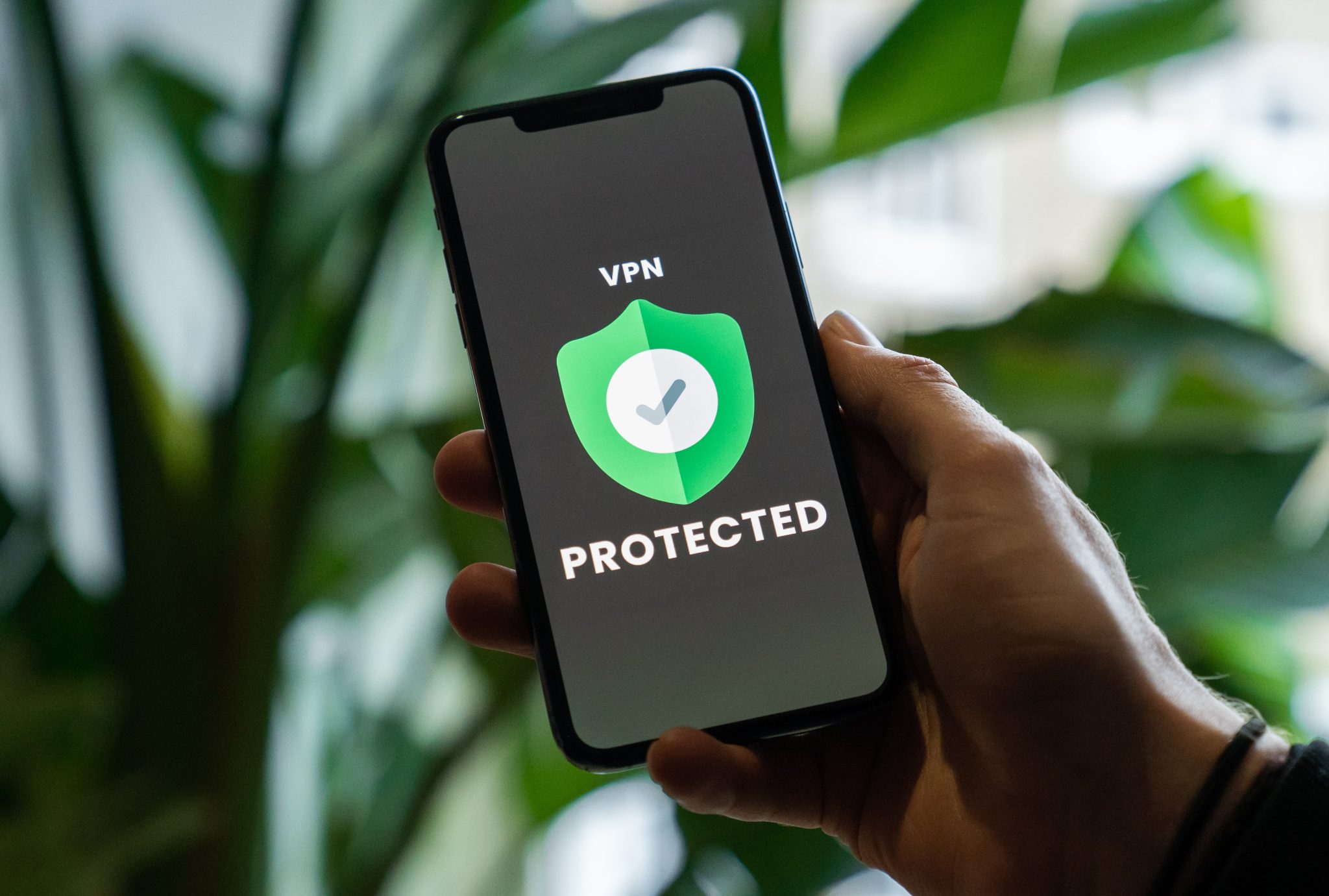
VPN stands for Virtual Private Network. It is software that encrypts your presence online and hides your location and activities. It is necessary when you use unprotected networks like public Wi-Fi.
When students use public Wi-Fi, hackers can intercept data transmission and see what they do and steal your data. For instance, payment info or personal information. VPN encrypts all of that and makes sure no one can see what you are doing and where you are surfing from.
Another great feature is that you can choose to hide under a specific geographical location. So you’ll appear surfing in a particular country like Canada, the UK, Japan, or China. This helps to unlock content otherwise not available in your country.
There are plenty of VPN services out there. The good ones are:
- NordVPN;
- TorVPN;
- Windscribe;
- TunnelBear;
- me.
Password Manager
Students have plenty of various accounts. And it is hard to remember all the passwords. What many people do is reuse the same code or choose something simple and easy to remember. But it increases the risk of hacking significantly.
To make sure all your accounts are protected, you have to set strong and unique passwords. That’s why it is great to use a password manager, as it will remember them for you and auto-fill them. You’ll have to only remember the master key to the manager. So one instead of a dozen is pretty good.
Many solutions also offer protected notes, encrypted storage, and computer-generated codes. Choose the one with two-factor authentication for maximum security. Some of the good ones are:
- Bitwarden;
- Norton Password Manager;
- Dashline;
- LastPass;
- RoboForm;
- Sticky Password.
Protected Browser
Secure browsers help to get rid of the digital trail and protect your information from sketchy people and marketers. They secure the cache, history, and browsing habits from others. Of course, you can change some settings in mainstream browsers as well, but they are less performing. And they still collect data for corporations.
There are plenty of secure browsers out there, and many of them are free and block ads at the same time. Students can use Tor, Orbot, Puffin, or Brave, for instance.
Antivirus Software
Another essential layer of protection is the antivirus software on your devices. It is probably the most expensive tool on this list. Yet, investing in a proper solution can save you a lot of trouble and potentially your gadget as well.
Choose programs that offer great functionality and always update them. New risks and malware threats appear daily, so updates usually contain the ways to combat them.
Some of the world-known and trusted antiviruses are:
- Avast;
- AVG;
- Bitfinder Antivirus;
- Microsoft Defender;
- TotalAV Antivirus.
Tracker and Ad Blockers
Not only are online ads annoying, but there could also be trackers out there designed to collect personal information from users. Whether you are tired of pop-ups or want to make sure you are free from corporate eye lurking on the web, using a blocker is a good solution.
Students can install uBlock Origin, AdBlock, AdBlocker Ultimate, 1Blocker, or AdGuard.
In Summary
Students usually have a significant online presence. This means that they face a lot of potential risks when it comes to data breaches. That’s why it is essential to be proactive and use all the advanced measures and tools to keep all your digital assets safe.