 Do Son
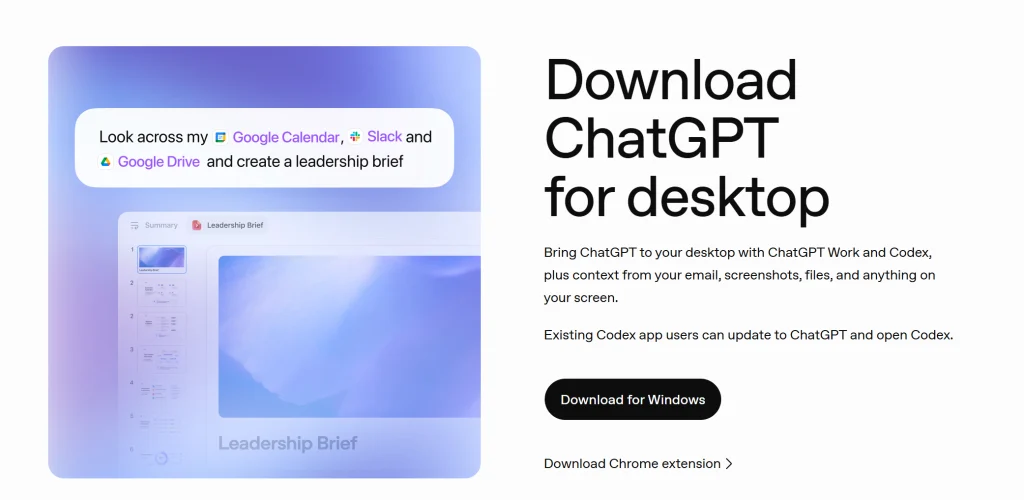
OpenAI is officially sunsetting its legacy standalone computer client. Specifically, the company initiated in-app alerts declaring the classic ChatGPT desktop app will retire on January 30, 2027. Furthermore, cloud synchronization guarantees that user conversation histories migrate smoothly into the modern application. Originally, the standalone client delivered pure conversational interactions without modular extensions. In contrast, the successor program synthesizes agentic utilities, developer tools, and advanced reasoning capabilities. Consequently, desktop users must transition toward the integrated environment before the deadline arrives.
Transitioning Toward a Unified Desktop Client
Previously, OpenAI permitted traditionalists to maintain the unadorned conversational client on their personal computers. However, sustaining parallel software architectures across disparate release channels creates administrative friction. Therefore, engineers will deactivate the legacy interface permanently in early 2027. Fortunately, secure cloud databases preserve all archived dialogues without data loss. Subscribers can access the official ChatGPT application download page to install the refreshed software. Thus, upgrading early allows professionals to acclimatize to the consolidated desktop workspace seamlessly.
Merging Conversational Chat with ChatGPT Work
Alongside this application deprecation, OpenAI is unifying conversational dialogue with ChatGPT Work. Initially, product teams are releasing this blended functionality to a modest cohort of test accounts. Subsequently, engineers will widen distribution according to qualitative user feedback. Historically, standard interactions lacked programmatic toolchain invocations. Conversely, the specialized Work suite supported targeted automation and programmatic tool orchestration. Merging these capabilities creates a singular, versatile conversational environment.
Collaborative Multimodal Task Execution
Under the combined architecture, users can discuss intricate concepts while orchestrating complex operational workflows. For example, individuals can supply proprietary files and dispatch targeted plugins simultaneously. The autonomous assistant can draft slide decks, build functional websites, or parse web data directly. Meanwhile, users observe runtime diagnostics and guide execution milestones within the active discussion window. Ultimately, this consolidated platform replaces fractured standalone utilities with an intelligent, unified digital assistant.
Support Our Threat Intelligence
Find our tech and OS security coverage helpful? Support our work today and unlock a 100% ad-free reading experience!
 Buy Me a Coffee
