 Do Son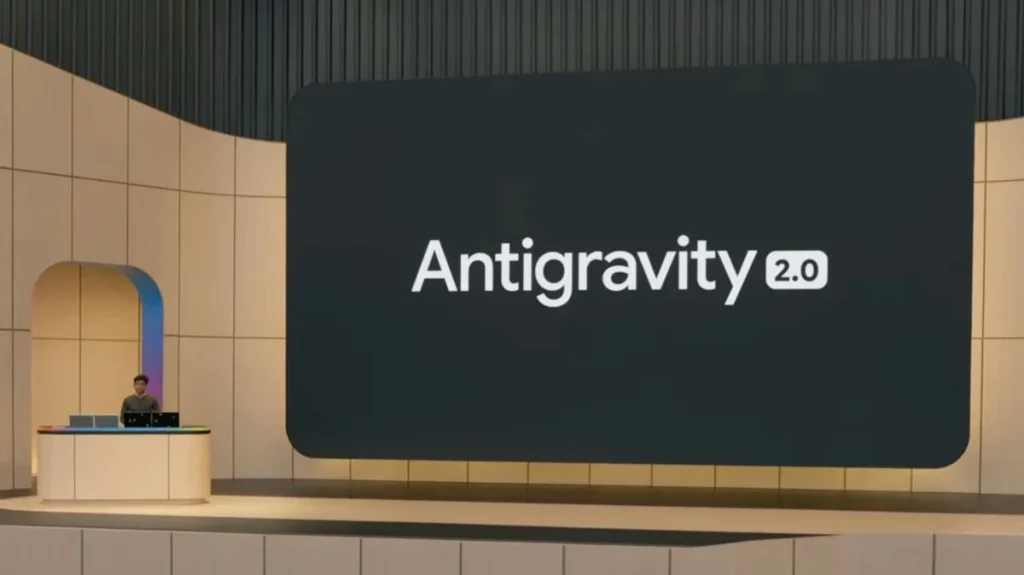
Google gave developers an early warning about the Gemini CLI deprecation. Now the change has arrived. The company is retiring Gemini CLI and steering its users toward the new Antigravity CLI. Google’s stated goal is to move everyone onto a single, unified platform. Rumors also suggest the shift reflects an internal power struggle, with the Antigravity team coming out on top. Either way, the catch is real. Antigravity CLI does not yet match every Gemini CLI feature, so a clean migration is hard.
Gemini CLI Has Stopped Working for Personal Accounts
Google’s AI team has now pulled the plug for individual users. According to its announcement, Gemini CLI stopped serving requests from personal accounts on June 18, 2026. So if you signed in through a personal Google AI subscription, the tool no longer responds. Enterprise customers, however, keep their access for now. That group includes organizations with a Gemini Code Assist license, as well as those using API key authentication.
Who Needs to Migrate
The policy also covers the Gemini CLI for IDE extension. As a result, several groups must move to Antigravity CLI. This includes Google AI Pro and Ultra subscribers. It also reaches developers on the personal edition of Gemini Code Assist. Google has not yet set an end date for enterprise support, though. The company may simply give business customers a longer runway to migrate.
What Google Says About the Antigravity CLI Rollout
In its announcement, Google’s AI team called this a major change. The team admitted that reworking a workflow is never simple. Still, Google says it is pouring its energy into a stronger, unified Antigravity suite. Antigravity CLI takes over where Gemini CLI left off in the terminal. Moreover, it promises a single, agent-first experience for command-line work. Crucially, it shares backend infrastructure with the Antigravity desktop platform. That shared foundation lets it handle more complex tasks. Developers can already explore the Antigravity CLI project and start testing it today.
How the Data Import Works
The good news is that Antigravity CLI can import your existing setup. During installation, it checks whether Gemini CLI already sits on your machine. If it finds one, the migration begins automatically. Here is what carries over:
- Installed skills, including your custom skills
- MCP servers and their related settings, migrated automatically
- Agent profiles and their configurations
- Compatibility with your existing GEMINI.md files
So while full feature parity is still missing, the import step removes some of the pain.
What Developers Should Do Next
For now, individual developers face a forced move on a tight timeline. Enterprise teams have more breathing room, yet the direction is clear. Google wants everyone on Antigravity eventually. Therefore, planning your migration sooner rather than later is the safer bet. Audit your scripts first, since any automation that calls the old command will simply break.
Support Our Threat Intelligence
Find our tech and OS security coverage helpful? Support our work today and unlock a 100% ad-free reading experience!
 Buy Me a Coffee
