 Do Son
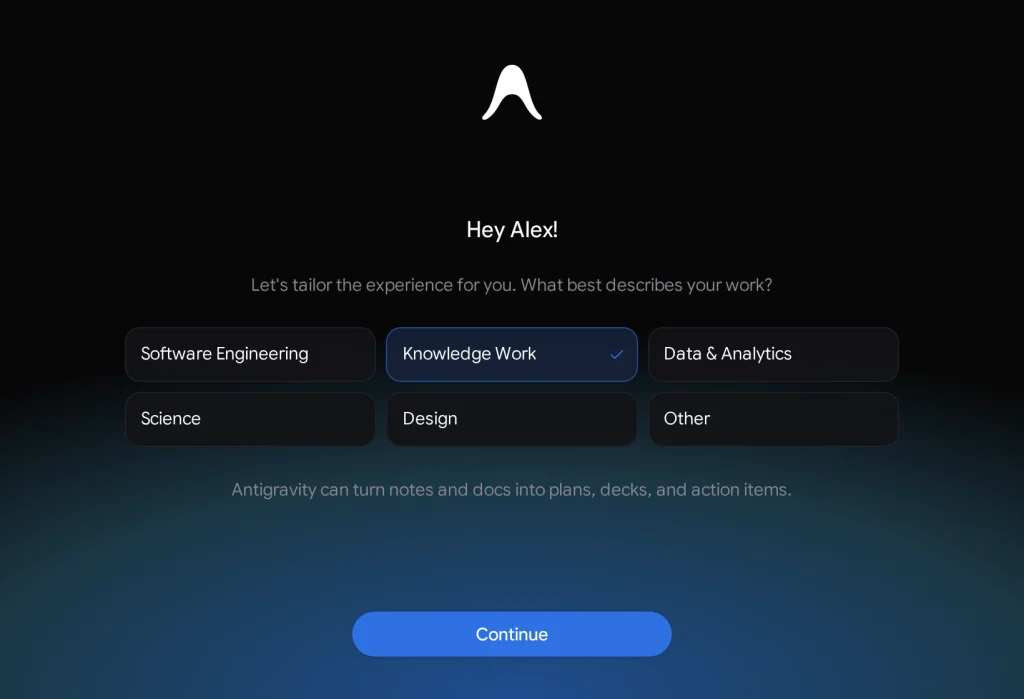
Google officially introduced a dedicated productivity mode for its flagship autonomous agent desktop application. Specifically, the Google Antigravity Knowledge Work interface expands agent capabilities beyond conventional software engineering. This versatile environment empowers users across research, data analysis, document authoring, and presentation design. Furthermore, professionals can automate intricate multi-step workflows without writing a single line of code. Consequently, the desktop environment transforms everyday enterprise operations into streamlined, automated procedures.
Unifying Software Engineering and Knowledge Work
Originally, Google developed Antigravity as an advanced coding assistant for software developers. Over time, internal employees adopted the tool for analytical investigations, prototyping, and corporate reporting. Tens of thousands of non-technical personnel across legal, finance, and marketing departments rely on the tool daily. Crucially, the new layout shares the exact same underlying neural agent as the engineering mode. Therefore, users enjoy identical reasoning capabilities without confronting complex development tools.
Universal Agent Engine and MCP Compatibility
Importantly, both interface layouts maintain complete architectural parity across core capabilities. Teams can utilize identical foundation models, local documents, custom extensions, and specialized agent skills. Moreover, both modes support Model Context Protocol servers to access remote databases seamlessly. Users can toggle between engineering and office layouts whenever operational priorities shift. For example, a developer can write backend software and subsequently draft administrative reports in the knowledge workspace.
Streamlined Interface and Seamless Layout Switching
The specialized layout removes developer-centric elements such as terminal windows, Git branches, and code editors. Instead, the workspace displays concise progress cards and straightforward permission prompts. Furthermore, the sidebar highlights project files, saved drafts, research links, and background tasks prominently. According to the official announcement on the Google Antigravity blog, users can switch layouts inside general settings. Ultimately, this thoughtful interface redesign delivers sophisticated autonomous computing to modern enterprise knowledge workers everywhere.
Support Our Threat Intelligence
Find our tech and OS security coverage helpful? Support our work today and unlock a 100% ad-free reading experience!
 Buy Me a Coffee
