 Do Son
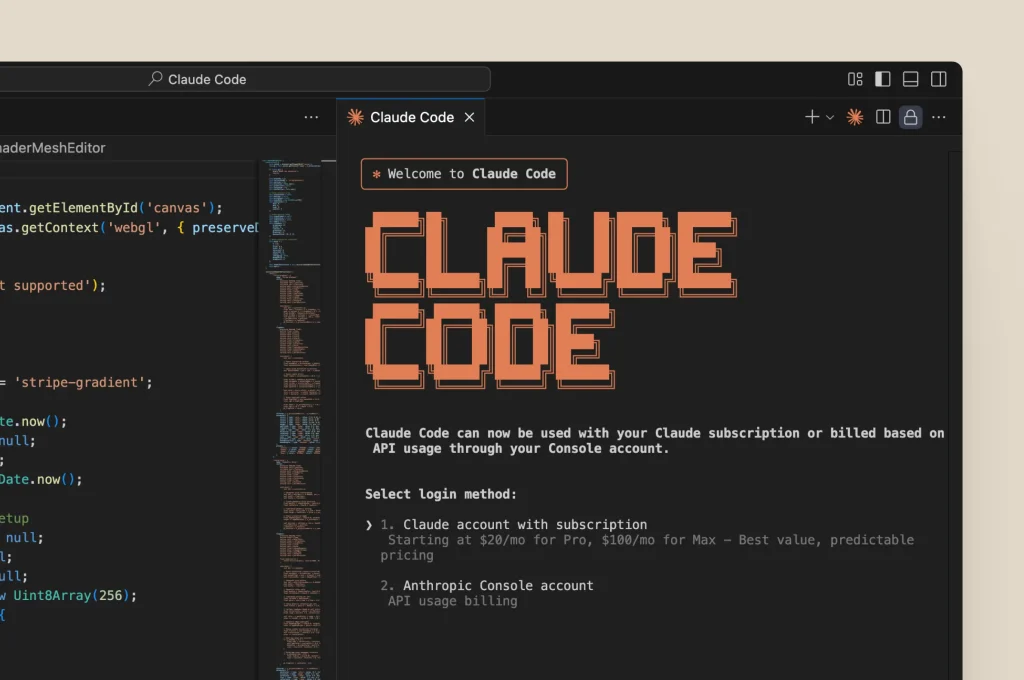
Anthropic recently introduced an experimental capability in Claude Code version 2.1.323 and later releases. Specifically, the new experimental Claude Code Mode lets the assistant write JavaScript to combine multiple tool calls. Within a single script, the model can run commands in parallel, chain outputs, and filter returned data. Because this feature remains disabled by default, developers must activate it manually before starting a session. According to Anthropic, this workflow excels at multi-file edits, search filtering, and independent concurrent tasks.
Reducing Intermediate Output and Token Consumption
In standard operation, Claude Code invokes tools like Bash, Read, or Edit one step at a time. After reading each intermediate output, the model decides which action to execute next. Instead, Code Mode instructs the assistant to author a self-contained JavaScript program for local session execution. As explained in the official Claude Code Mode documentation, scripts streamline complex multi-step workflows. For example, a script can search files, select targets, apply edits, and return only final test results.
Furthermore, the terminal interface continues displaying clear tool activity and file diffs throughout execution. Developers can press Ctrl+O anytime to inspect session transcripts and view the underlying JavaScript code. Consequently, filtering noisy intermediate outputs dramatically lowers token overhead during intensive engineering sessions. Therefore, five-hour and weekly usage quotas should stretch significantly further once developers adopt this workflow.
Supported Models and Interactive Terminal Requirements
Currently, Code Mode requires native installations of Claude Code 2.1.323 or newer inside interactive terminal sessions. Users must also authenticate via an official Claude subscription or Claude Console account. Notably, third-party API relays and proxy endpoints cannot access this experimental runtime. At launch, supported models include Claude Opus 5.5, Claude Sonnet 5.5, Claude Haiku 5.5, and Claude Fable 5.2.
Launching Code Mode Across Supported Platforms
Developers on macOS, Linux, and WSL can enable the environment using the following terminal command:
Upon initial launch, Claude Code prompts the operator to confirm experimental execution privileges. Additionally, resuming an existing session requires keeping the experimental flag active in the environment. However, Anthropic does not yet support Visual Studio Code panels, desktop apps, or cloud sessions. Similarly, Agent SDK pipelines, non-interactive -p flags, and third-party platforms remain incompatible. Ultimately, programmatic tool orchestration marks a major efficiency leap for terminal-based AI software engineering.
Support Our Threat Intelligence
Find our tech and OS security coverage helpful? Support our work today and unlock a 100% ad-free reading experience!
 Buy Me a Coffee
