OneNote Gains Cell Merging & “Paste Text Only” for Windows, Mac & iPad Insiders
 Do Son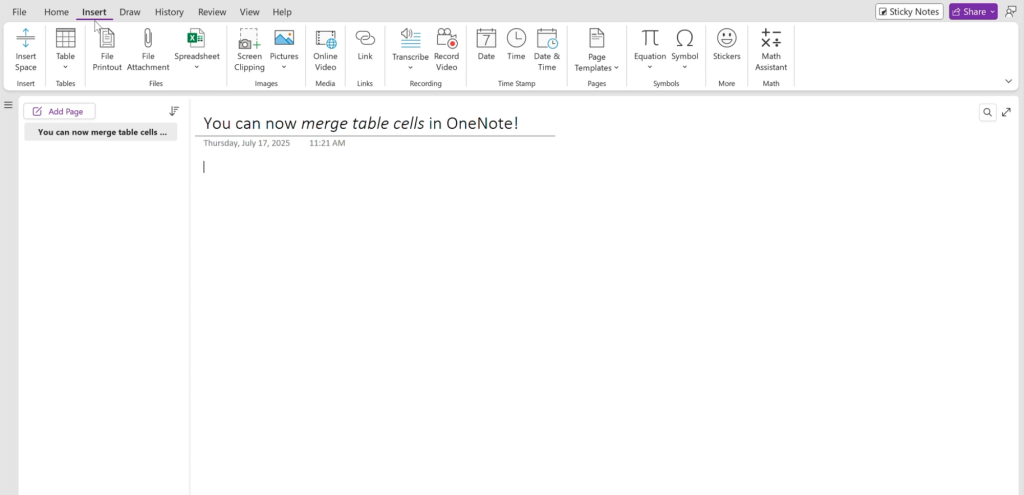
OneNote, Microsoft’s flagship note-taking application, is currently undergoing feature enhancements as part of the Microsoft 365 Insider Preview Program. Among the latest additions are cell merging and the paste without formatting option.
The new cell merging feature enables users to combine multiple cells within OneNote tables—both horizontally and vertically—while automatically aligning their contents. Users can then fine-tune the merged cells to better suit their specific needs.
It is worth noting that although merged cells can now be viewed across all OneNote platforms, the creation of merged cells is presently supported only on OneNote for Windows, Mac, and iPad. The iPhone, Android, and web-based versions do not yet support this functionality.
Another notable enhancement is the paste without formatting feature, also known as paste as plain text. This allows users to insert copied content stripped of any original styling, presenting it as unadorned text. On Windows 10 and 11, this action can be performed using the keyboard shortcut Ctrl + Shift + V, while Mac users can utilize Cmd + Shift + V.
In OneNote, this option is now accessible via the right-click context menu, where users can select Paste → Paste Text Only, or navigate to the Home → Paste → Paste Options menu and choose Keep Text Only.
It is important to note that when pasting unformatted content into OneNote, the application will still apply its own target formatting to ensure visual consistency—meaning that while original styles are stripped, some of OneNote’s default layout elements may still be applied to the pasted text.
Related Posts:
- Beware of Malicious OneNote Files: Phishing Attacks Evolve with Embedded Payloads
- A malware that targets Bitcoin has infected 2.3 million users
- OneNote Windows 10: Support Ends October 2025, Migrate Now
- OneNote Exploited: Malicious Campaigns Unveiled in Note-Taking App
Support Our Threat Intelligence
Find our tech and OS security coverage helpful? Support our work today and unlock a 100% ad-free reading experience!
 Buy Me a Coffee
