 Do Son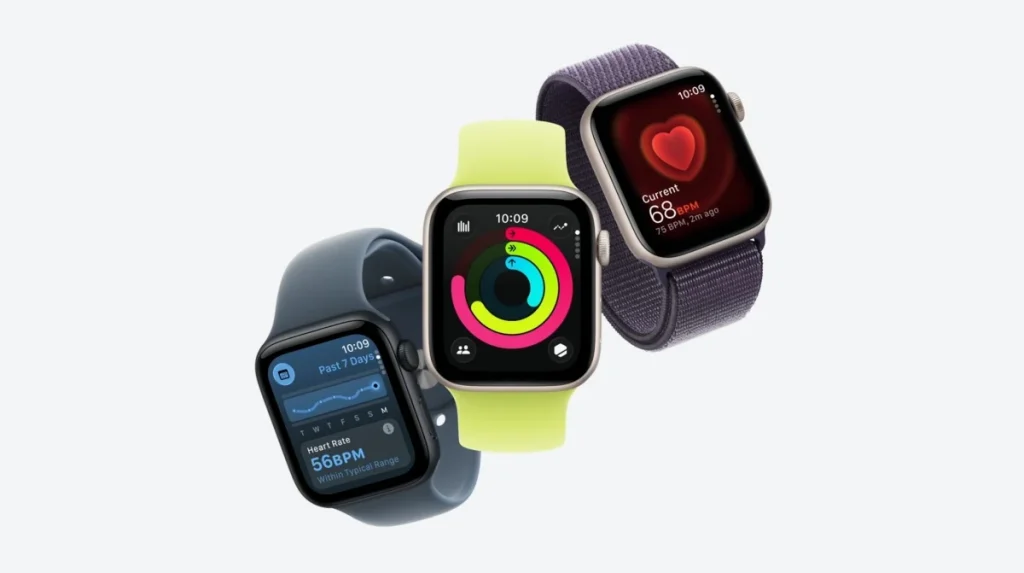
Apple Watch SE 3
In iOS 18, Apple has introduced a new notification that alerts iPhone users when their device is charging too slowly. If the iPhone detects insufficient charging power, a prompt appears advising the user to check whether the wired or wireless charger might be experiencing an issue.
A similar feature debuts in watchOS 26 for the Apple Watch. When the watch identifies unusually slow charging speeds, it displays a “slow charger” message within the Battery settings.

In its official support documentation, Apple clarifies:
“With watchOS 26, if your Apple Watch detects that your charging experience could be improved, you’ll see a Slow Charger message in Settings > Battery. This doesn’t mean that there’s anything wrong with your Apple Watch or charger; it just means that your watch could charge faster by using a higher-wattage charger.”
Under the section on how to charge more efficiently, Apple advises:
“If your charger has more than one port, or if you charge with a computer or USB hub with other connected devices, the maximum power output might be reduced. Charge ports in USB hubs or cars also might charge slower than a dedicated USB-C charger.”
Apple further notes that charging through a USB hub with multiple devices connected may result in power being split, thereby reducing charging efficiency. For the best results, users are encouraged to connect their Apple Watch directly to a charger using a dedicated cable rather than routing through hubs or intermediary devices.
Related Posts:
- EV Fast Chargers Vulnerable to Remote Hacking, Study Finds
- CHOICEJACKING: New USB Attack Bypasses Android & iOS Security
- Apple Releases Security Updates for Safari, watchOS, iOS, macOS High Sierra & tvOS
- Microsoft: Spectre security patch will slow down your PC
- Slow Pisces Targets Crypto Developers with Deceptive Coding Challenges
Support Our Threat Intelligence
Find our tech and OS security coverage helpful? Support our work today and unlock a 100% ad-free reading experience!
 Buy Me a Coffee
