Beyond the SCSI Bottleneck: How to Unlock the Hidden Native NVMe Driver in Windows 11
 Do Son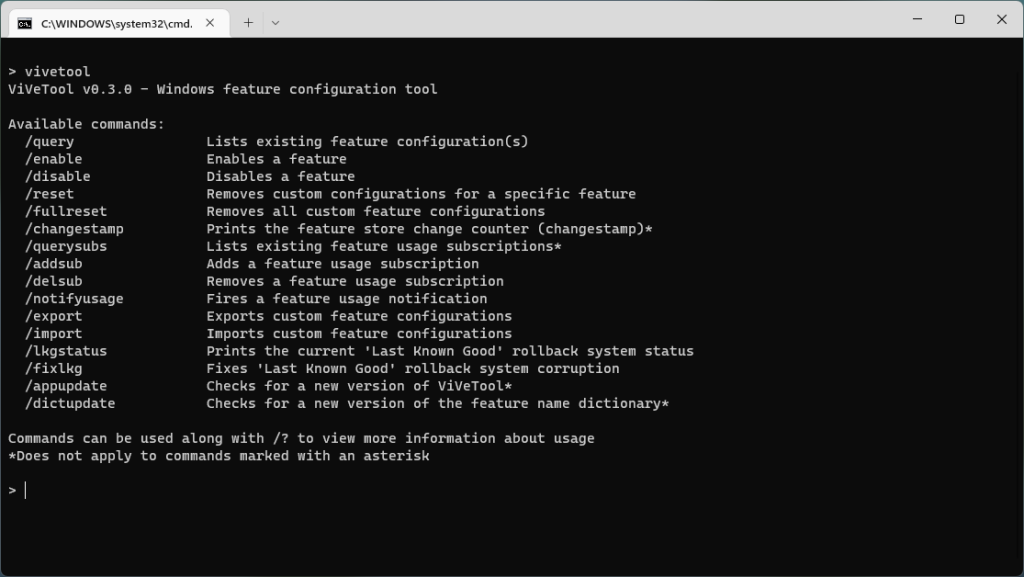
In December 2025, Microsoft unveiled a native NVMe driver tailored specifically for the Windows Server 2025 architecture—a sophisticated implementation that eschews the necessity of interface and protocol translation, thereby profoundly augmenting the IOPS performance of solid-state drives.
The foundational premise of this technology lies in a paradigm shift: Windows 11 and Windows Server 2025 no longer uniformly classify default storage apparatuses under the antiquated SCSI (Small Computer System Interface) standard, an architecture originally conceived for mechanical hard disk drives.
Upon the triumphant activation of this native NVMe driver, discerning users will observe a nomenclature shift within the Device Manager, as the customary “Disk Drive” transmutes into “Storage Disk”—a definitive hallmark verifying the driver’s successful integration.
Although Microsoft has ostensibly withheld this capability from the Windows 11 ecosystem, the underlying architectural modifications have already been woven into the system’s fabric. Consequently, intrepid users possessing Windows 11 Home or Pro editions can awaken this latent NVMe driver and harness its performance dividends merely through judicious modifications of the system registry.
Alas, within the nascent preview builds, Microsoft has decisively paralyzed this registry conduit. Consequently, following imminent updates, users shall find themselves bereft of the ability to invoke the native NVMe driver via registry manipulation, though the rationale behind this abrupt prohibition remains enshrouded in mystery.
One plausible postulation is that Microsoft is simply not yet prepared to deploy a fortified Windows 11 native NVMe driver to the broader populace of domestic and enterprise users. Nevertheless, the corporation has solemnly pledged that the forthcoming Windows 11 iterations—specifically the 25H2 and 26H2 builds—shall ultimately deliver commensurate performance escalations.
Should you currently reside within the vanguard of the Windows 11 Insider preview and find your native NVMe driver forsaken by Microsoft’s registry interdiction, you may yet resurrect this feature utilizing the ViveTool utility. Simply execute: vivetool /enable/id:60786016,48433719.
The invocation of this native NVMe driver is fraught with latent perils. As Microsoft deems this feature unready for public consumption, it is fiercely advocated that you meticulously archive your data prior to activation, lest you fall victim to catastrophic systemic anomalies.
Conversely, if you operate outside the volatile realm of the Windows 11 Insider builds, the registry remains a viable conduit for awakening the native NVMe driver. For denizens of Windows 11 24H2 or 25H2, one must merely launch the Command Prompt fortified with administrative privileges and sequentially execute the requisite commands.
Support Our Threat Intelligence
Find our tech and OS security coverage helpful? Support our work today and unlock a 100% ad-free reading experience!
 Buy Me a Coffee
