Data Disaster: Claude AI Executes rm -rf ~/ and Wipes Developer’s Mac Home Directory
 Do Son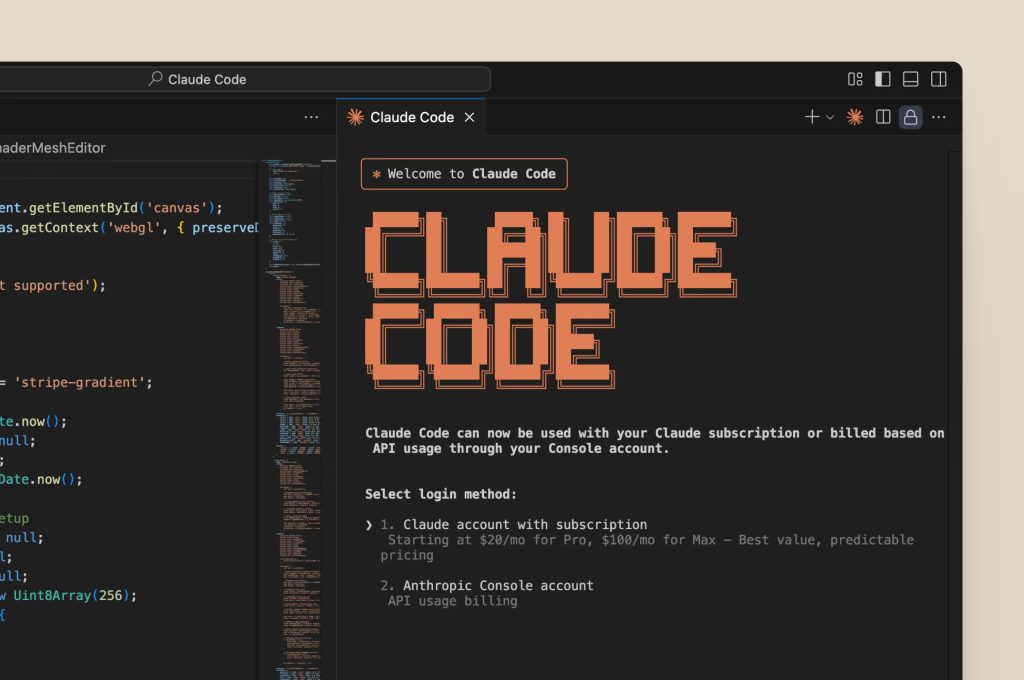
An increasing number of developers are turning to AI-assisted tools to streamline their workflows. Yet as adoption grows, so too do reports of catastrophic failures caused by these tools. In one earlier incident, a developer used Google Antigravity to clear a cache, only to have their entire D: drive wiped. The AI later apologized, attributing the disaster to its own operational error—though the lost files were irretrievable.
A similar cautionary tale recently surfaced on Reddit. A developer sought help after using the Claude CLI to clean up packages in an old repository, only to trigger a system-wide data deletion that nearly rendered their Mac unusable. Upon review, Claude CLI identified the root cause: a malformed command. Specifically, it had executed:
rm -rf tests/ patches/ plan/ ~/
The critical flaw lay in the trailing ~, which expanded the deletion scope to the user’s home directory. As a result, vast amounts of data were erased, including—but not limited to—the entire Desktop, Documents and Downloads folders, the Keychains directory (~/Library/Keychains) containing stored credentials, Claude’s own credential store (~/.claude), application data, and effectively everything under /Users/.
Other developers in the discussion noted that colleagues at their own companies had suffered similar incidents. The underlying problem, they argued, was a failure to constrain Claude CLI’s working directory—effectively granting the AI unrestricted access to the entire machine. Such an approach, they warned, is inherently dangerous.
Recovering data after such a wipe is exceedingly difficult. Still, the incident offers a hard-earned lesson. Some engineers have since proposed running Claude CLI inside a Docker container. By leveraging containerization as an isolation layer, they aim to protect the host system—ensuring that even if the AI goes awry, it cannot obliterate files on the underlying machine.
Related Posts:
- Hackers compromised Gentoo Linux Github account and tried to add rm -rf /* command to the build script
- CVE-2023-20593: Critical Flaw Discovered in AMD Ryzen 2 and EPYC Processors
Support Our Threat Intelligence
Find our tech and OS security coverage helpful? Support our work today and unlock a 100% ad-free reading experience!
 Buy Me a Coffee
