 Do Son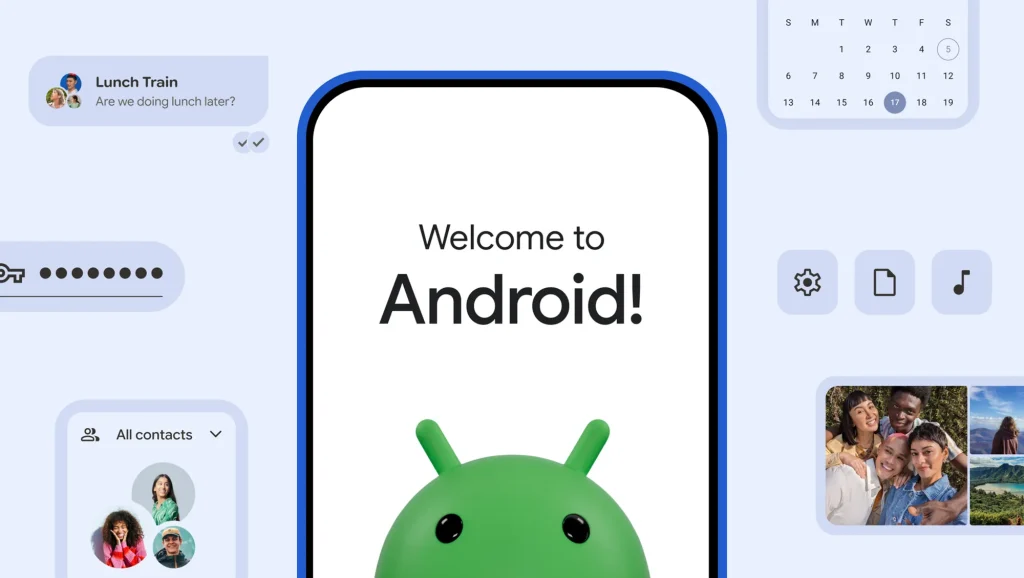
Streamlining the Transition from iPhone
At the recent Galaxy Unpacked event, Google unveiled a significantly upgraded and far more powerful iOS to Android migration tool. This enhanced utility supports the transfer of considerably broader data categories to the Android operating system. Consequently, it dramatically simplifies the data migration journey for users transitioning from an iPhone to an Android device. Samsung’s latest foldable smartphones and select Google Pixel devices will be among the first to receive support for this sophisticated tool.
Expanded Data Migration Capabilities
Previously, Android’s built-in migration utility could transfer photos, videos, contacts, text messages, and calendar entries. The newly updated tool expands upon this foundation by adding several critical data categories:
- Google Account Credentials: Transfers active logged-in Google accounts seamlessly.
- Saved Passwords & Wi-Fi Credentials: Migrates stored account passwords and saved wireless network credentials securely.
- eSIM Card Profiles: Enables the direct transfer of essential digital SIM profiles.
The Significance of Lossless eSIM Transfer
The ability to migrate eSIM information represents a paramount quality-of-life improvement for countless users. Without native transfer capabilities, consumers must typically contact their cellular carrier to deactivate the existing eSIM before applying for a new registration on the replacement device. Even when partially automated, this cumbersome procedure demands time and effort. Conversely, lossless eSIM migration eliminates carrier intervention entirely, swiftly restoring 5G network connectivity to the new device.
Step-by-Step Migration Process
To execute a seamless transition using the updated tool, users should follow a structured sequence:
1. Prerequisites and Initial Pairing
Before initiating the migration, ensure both the new Android device and the source iPhone are fully charged and powered on. Launch the migration tool on the Android device to generate a unique pairing QR code. Scan this code using the iPhone camera to establish a secure connection.
2. Data Selection and Transfer Phase
Once paired successfully, select the specific data categories designated for migration. Selecting all available data categories ensures a comprehensive transfer. After finalizing the selection, initiate the transfer process. This phase may require substantial time, particularly when transferring extensive photo and video libraries.
3. eSIM and WhatsApp Migration
The system handles eSIM profile transfers independently. Upon completing the primary data transmission, the interface prompts the user to migrate their eSIM information. Additionally, the utility supports migrating WhatsApp message histories through a separately initiated process.
Support Our Threat Intelligence
Find our tech and OS security coverage helpful? Support our work today and unlock a 100% ad-free reading experience!
 Buy Me a Coffee
