 Do Son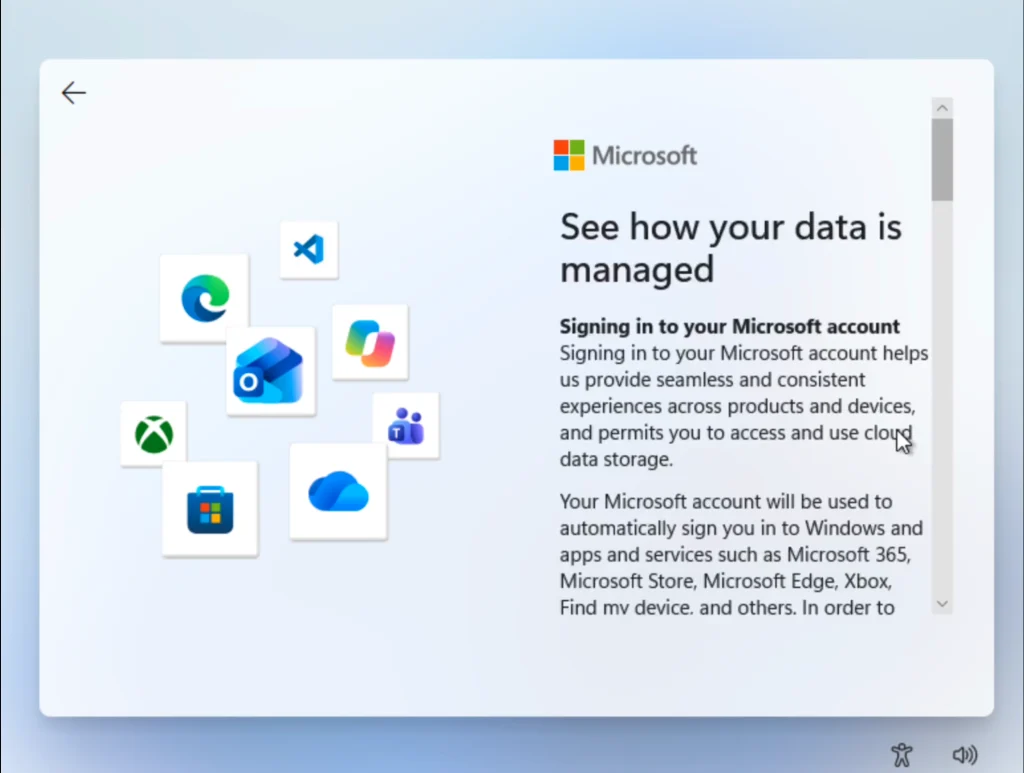
Previously, a keen developer uncovered a surprising flaw within the Windows 11 OOBE interface. Microsoft traditionally compels users to authenticate with an online profile during system installation. However, developer BobPony revealed a clever bypass mechanism on X. Users could simply click the “Learn more” button located beneath the login prompt. Consequently, this action instantly redirected them to the local account creation screen. Clearly, this behavior represented an inadvertent oversight by the software giant. Engineers likely neglected to test the hyperlink thoroughly after implementation. Nevertheless, the OOBE environment relies heavily on cloud-based configurations. Therefore, rectifying this glitch required merely a swift backend adjustment.
The Silent Server-Side Resolution
Recently, Microsoft definitively eliminated this convenient workaround. Thorough testing confirms the company altered its server settings to resolve the anomaly. Currently, clicking the informational link appropriately displays the intended documentation. Furthermore, the setup process strictly prevents any unauthorized diversion to offline profiles. Interestingly, the corporation never issued a formal statement regarding this specific vulnerability. Similarly, they released no public announcement following the recent remediation. As a result, the exact timeline of this backend modification remains a mystery.
Alternative Methods for Offline Profiles
Many enthusiasts still desire the privacy of a traditional offline profile. Fortunately, those utilizing bootable USB media can easily employ the Rufus utility. This robust application offers a dedicated option to bypass mandatory online authentication entirely. Ultimately, deploying a customized installation image ensures a seamless offline setup experience by default.
Support Our Threat Intelligence
Find our tech and OS security coverage helpful? Support our work today and unlock a 100% ad-free reading experience!
 Buy Me a Coffee
