 Do Son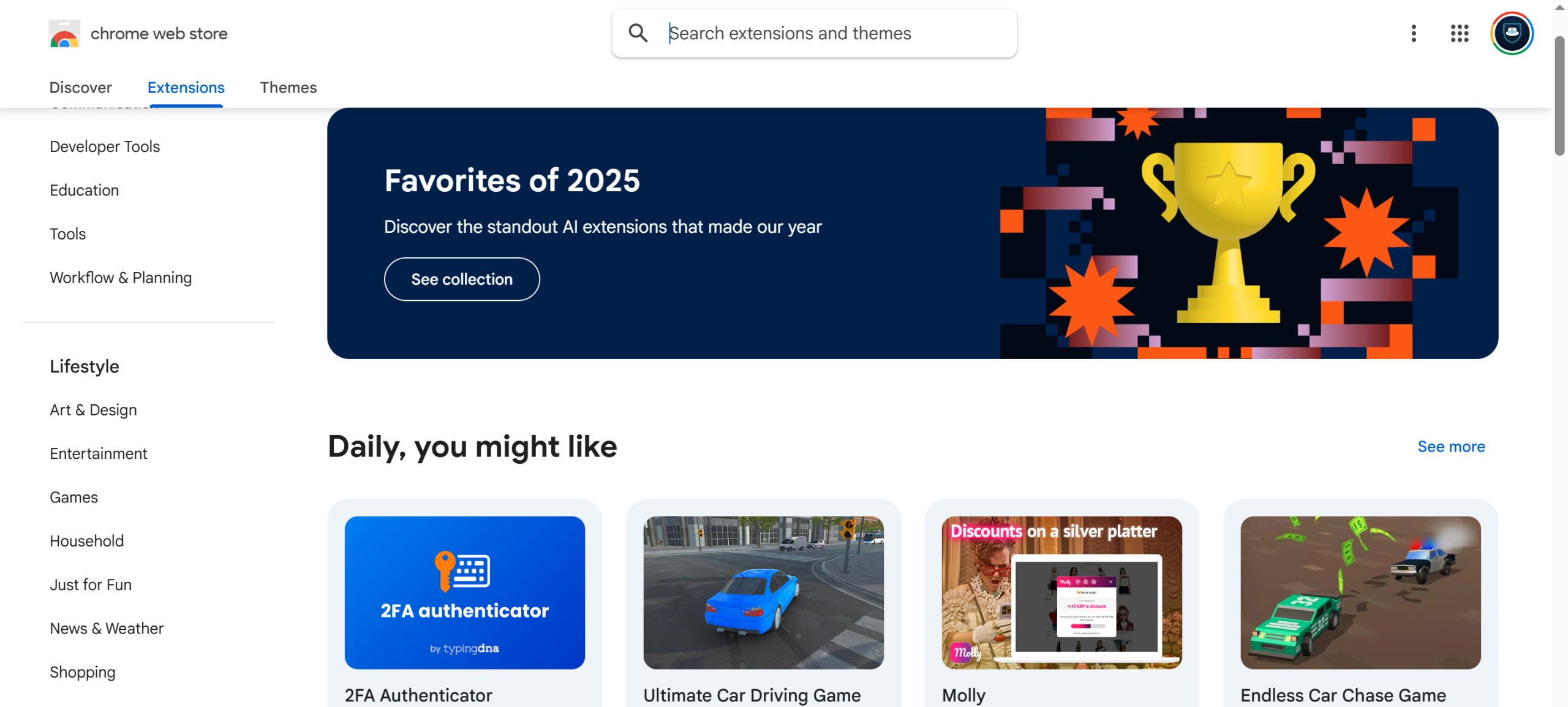
Google has spent recent years pushing browser extension developers to migrate to the Manifest V3 protocol. MV3 improves extension security and reduces resource consumption in Chrome. However, it also weakens the filtering capabilities of ad-blocking tools. The most prominent casualty has been the open-source extension uBlock Origin. You can review Google’s official MV2 deprecation timeline for a full breakdown of each phase.
How Chrome Has Been Restricting MV2 Since 2025
Since 2025, newer versions of Chrome have progressively restricted MV2-based extensions. Those extensions became difficult to install and activate without enterprise management policies. Over time, even those enterprise policy workarounds were deprecated. As a result, the practical options for running MV2 extensions have narrowed considerably.
August 31, 2026: The Final Deadline
Now Google has announced a final deadline. On August 31, 2026, all MV2-based extensions will be removed from the Chrome Web Store. After that date, MV2 extensions will no longer be available in the store. No version of Chrome will be able to download or install them.
Many users deliberately stayed on older Chrome versions to keep MV2 extensions running. This move affects all of them.
How to Back Up Your MV2 Extensions Now
Users who still rely on specific MV2 extensions should act now. The safest approach is to download and back up the CRX installer packages before Google removes them. Some developers may continue to host older packages on their official websites or GitHub repositories. However, many of these extensions are no longer actively maintained. Self-backup is therefore the most reliable option.
The process is straightforward. First, install the CRX Extractor/Downloader extension from the Chrome Web Store. Once installed, navigate to the page of any extension you want to back up. Click the CRX Downloader extension and it will save the CRX installer package locally.
If you need to reinstall it later, load the CRX file manually through the extensions management page. Any older version of Chrome or MV2-compatible Chromium browser supports this.
Developers and power users can consult the official MV2 deprecation timeline documentation. It provides details on each phase of the rollout.
Support Our Threat Intelligence
If you find our CVE report and cybersecurity news helpful, consider supporting our work.
 Buy Me a Coffee
PayPal
Buy Me a Coffee
PayPal

