 Do Son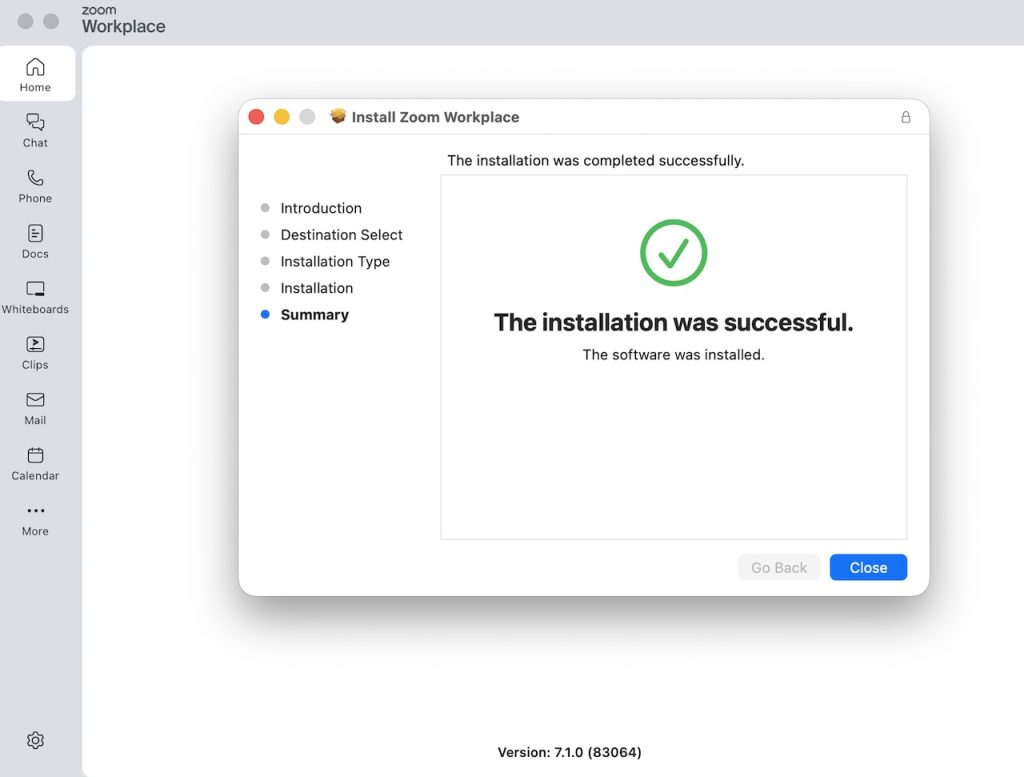
Screenshot
At a glance
| Malware family | Overlord (open-source RAT framework) |
| Threat actor | Unattributed (suspected DPRK links noted, not confirmed) |
| Target | macOS and Windows users |
| Delivery vector | Fake Zoom installer named ZoomMeetings |
| Key capabilities | Keylogging, screen capture, webcam and audio access, remote control |
| Source | Jamf Threat Labs |
TL;DR
Jamf Threat Labs found a fake Zoom installer that drops the Overlord remote access tool on macOS. The downloader uses a .NET binary, which is rare for Mac malware. As a result, one codebase can target both macOS and Windows.
Delivery
The attack starts with a fake Zoom installer. Researchers found the file, named ZoomMeetings, on VirusTotal. At the time of analysis, static engines did not flag it. Meanwhile, its initial delivery path is still under investigation.
The downloader is a macOS ARM64 binary. Notably, it ships as a self-contained .NET 10 application with the runtime bundled inside. Jamf explains why this stood out. “Building macOS malware using the .NET framework is fairly uncommon, so naturally this caught our attention.”
Infection chain
The downloader first checks the operating system and CPU architecture. Then it picks one of three payloads from attacker-controlled servers. Options exist for macOS ARM, macOS Intel, and Windows.
Next, it writes the second stage to a temporary folder and runs it in the background. At the same time, it fetches the real Zoom installer as a lure. Because of this, Zoom installs and works normally. Therefore, the victim sees nothing wrong.
The malicious code is also obfuscated. Method names appear as random strings, and a hidden table hides the attacker infrastructure. Once decoded, that table reveals the payload URLs and both real Zoom links.
Command and control and data theft
The second stage is the fake Zoom installer’s real goal: an Overlord agent. Overlord is a public framework on GitHub. Its author calls it a cross-platform RAT with agents that connect over encrypted WebSockets.
In this build, the agent connects to a hardcoded server over a secure WebSocket. However, certificate validation is turned off, which weakens that encryption. The framework also offers a Solana-based resolver, but this sample keeps it disabled.
Once connected, the agent gives operators broad control. For example, it can log keystrokes, capture the screen, and record webcam and microphone feeds. Furthermore, it can browse files, run scripts, and stream the desktop live.
A second Overlord build behaved differently. Persistence fired at once, and the binary installed a LaunchAgent to survive reboots.
Attribution
Jamf does not attribute this campaign to a named group. In other words, attribution is suspected, not confirmed. The malware shares a LaunchAgent label with FlexibleFerret, a DPRK-linked family. Even so, Jamf reports no direct overlap.
Detection and defense
First, download Zoom only from zoom.us. Avoid installers shared through links, ads, or messages. Next, watch for binaries writing to temporary folders and launching background processes.
Security teams should also monitor new LaunchAgents and outbound WebSocket traffic to unfamiliar hosts. For the full technical breakdown, indicators, and hashes, read the Jamf Threat Labs report on the fake Zoom installer campaign.
In short, this fake Zoom installer shows how attackers reuse trusted brands and shared frameworks. Stay cautious, and verify every download source.
Support Our Threat Intelligence
Find our threat intelligence and malware analysis helpful? Support our work today and unlock a 100% ad-free reading experience!
 Buy Me a Coffee
