 Do Son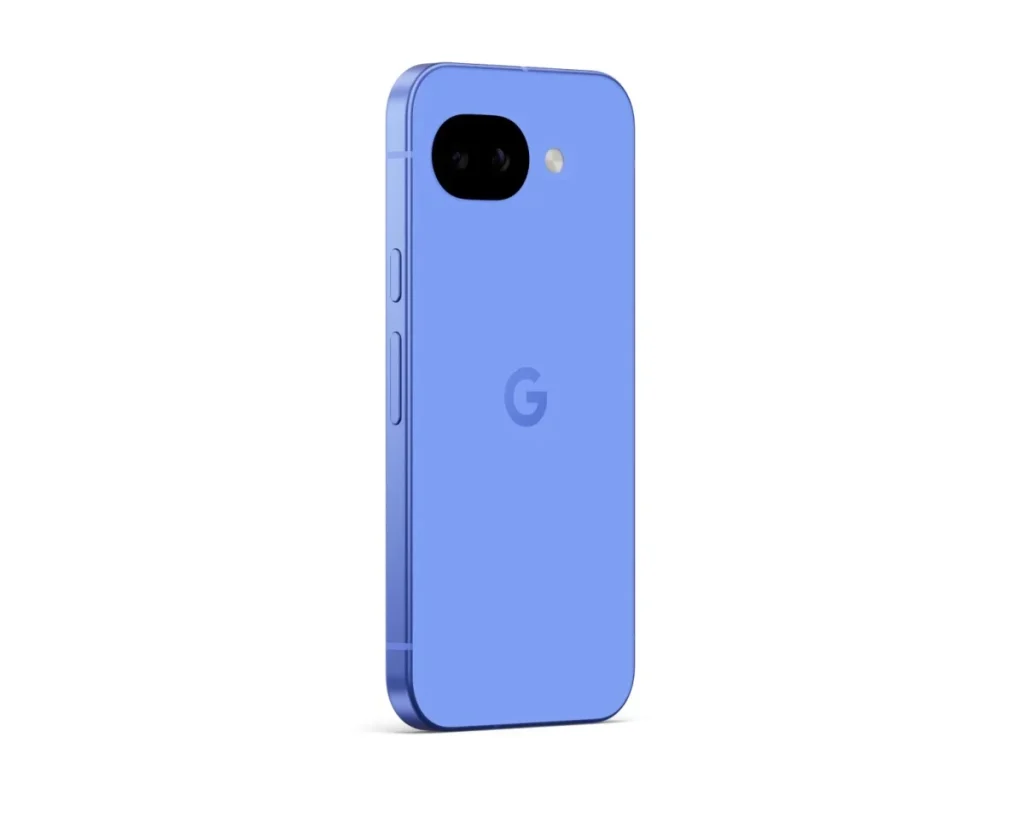
Pixel Reboot Loop Bug Hits Devices After Update
Google’s recent system updates have introduced a frustrating problem for some Pixel owners. The device starts up normally at first, so nothing seems wrong. However, the moment a user enters their PIN to unlock the phone, it immediately reboots. In practice, this behaves just like a standard reboot loop, since the result is the same: the device becomes unusable.
Who Is Affected
Most affected users installed the March, April, or May 2026 software updates. After a lengthy investigation, Google has finally acknowledged the issue publicly. Unfortunately, there is no universal fix available yet. Instead, Google recommends that affected users contact its support team directly and describe their specific symptoms. From there, the support team provides a tailored solution on a case-by-case basis.
Google’s Official Statement
Google issued the following message to affected users. The company is investigating boot and infinite-reboot issues that began after the March, April, or May software updates. On some Pixel devices, the phone freezes at the “G” logo or the initial setup screen. Additionally, entering the device PIN can trigger an immediate lock and automatic restart.
Google now offers updated guidance and next steps for devices showing these symptoms. Since the best solution depends on each device’s specific situation, the company asks users to reach out to Pixel customer support. That way, the support team can assist with a resolution tailored to the individual case. When contacting support, users should clearly describe their issue, such as an infinite reboot loop following a recent update. Doing so helps the team respond with the correct guidance more quickly. You can find more information and ongoing reports in the Google Issue Tracker thread covering this problem.
Does Google Actually Have a Fix?
Typically, when an OEM faces a widespread software bug, it pushes a corrective update to every affected device. In this case, however, Google has not announced any specific fix. Instead, the company simply directs users to contact support privately. This raises an obvious question. Perhaps Google does not yet have a universal solution at all, and that is precisely why users are being funneled into individual support conversations.
A Factory Reset, With No Data Saved
Some users who contacted Google support were told to perform a factory reset using Fastboot. While this approach may resolve the reboot loop, it also wipes the device completely. Naturally, most users find total data loss unacceptable. Other users received different advice entirely: install the Android 17 QPR1 Beta 3 build. Yet even after following these instructions, the reboot problem persisted for many of them.
Mail-In Repairs Bring the Same Problem
In some cases, Google has asked users to mail their devices back for repair. However, repairs also reset the device, so the data-loss issue remains. As a result, many affected users now feel stuck. They can either keep waiting for an acceptable fix from Google, or accept a complete data wipe by resetting the device themselves.
Support Our Threat Intelligence
Find our tech and OS security coverage helpful? Support our work today and unlock a 100% ad-free reading experience!
 Buy Me a Coffee
