 Do Son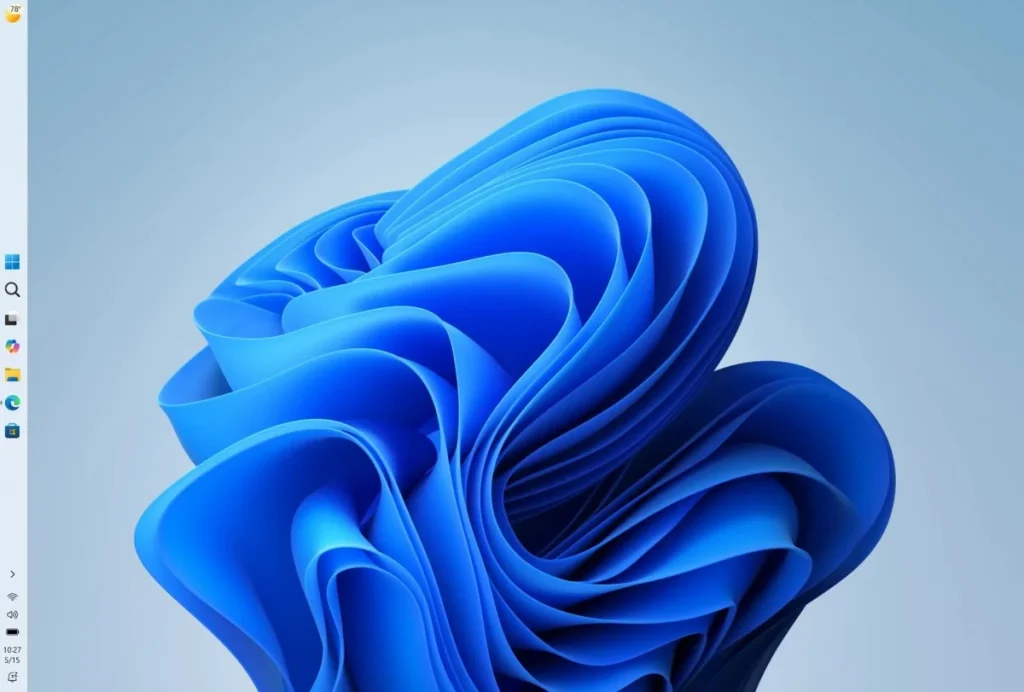
Last week, Microsoft dispatched the optional non-security update KB5120998. It reached users of Windows 11 versions 24H2 and 25H2. This optional release carries an inherent testing purpose. Generally, the system avoids installing such updates automatically. Users must actively click the check for updates button. Alternatively, they must enable the option to get the latest updates immediately.
Installation Triggers Black Screens
Many users report anomalies after installing the KB5120998 update. Their desktop wallpapers vanish inexplicably. The background transforms into a stark black screen. This dark display does not indicate a critical system failure. Desktop icons and the taskbar remain perfectly visible. However, the missing wallpaper creates a rather unsettling visual experience.
Cursor Animation Glitches
Another notable issue disrupts personalized mouse cursor settings. Users employing custom cursor themes find their preferred styles erased. The installation wipes these personal configurations completely. Furthermore, users remain unable to restore their original settings. The mouse cursor also expands to an unusually large size.
Microsoft Investigates the Anomalies
Microsoft categorizes these glitches as visual regressions and intermittent animation changes. Feedback suggests the cursor style defect primarily affects high-DPI devices. Meanwhile, the exact cause of the desktop black screen remains unconfirmed. Fortunately, some users resolved the issue simply. Uninstalling the problematic update restores normal system functionality.
Uncovering the Root Cause
Microsoft acknowledges receiving numerous user reports regarding these defects. However, engineers have not yet pinpointed the fundamental root cause. The company is actively investigating the KB5120998 update. They aim to determine if this release directly triggered the anomalies. Due to the current uncertainty, Microsoft requests user assistance. They urge affected individuals to submit feedback through the Feedback Hub. Users should attach their system logs for better analysis.
Safe Removal Advice
Engineers can isolate the problem using these detailed descriptions. They will analyze the provided system logs carefully. Fortunately, this problematic release remains an optional non-security update. Therefore, affected users can uninstall it with absolute confidence. Removing this specific update will not compromise system security.
Navigating Optional Updates
Optional non-security updates inherently serve a testing function. Microsoft usually deploys them to update servers a week early. The system downloads these releases only under specific conditions. Users must actively click the check for updates button. Enabling the immediate update option also triggers the download.
Prioritizing System Stability
This early deployment strategy offers a distinct advantage. Microsoft can discover and investigate potential problems promptly. Consequently, they can resolve these defects before the official Patch Tuesday release. However, many users heavily prioritize system stability. Office workers and dedicated gamers should exercise caution. They should avoid clicking the check for updates button prematurely. Leaving the immediate update option disabled ensures a smoother experience.
Support Our Threat Intelligence
Find our tech and OS security coverage helpful? Support our work today and unlock a 100% ad-free reading experience!
 Buy Me a Coffee
