 Do Son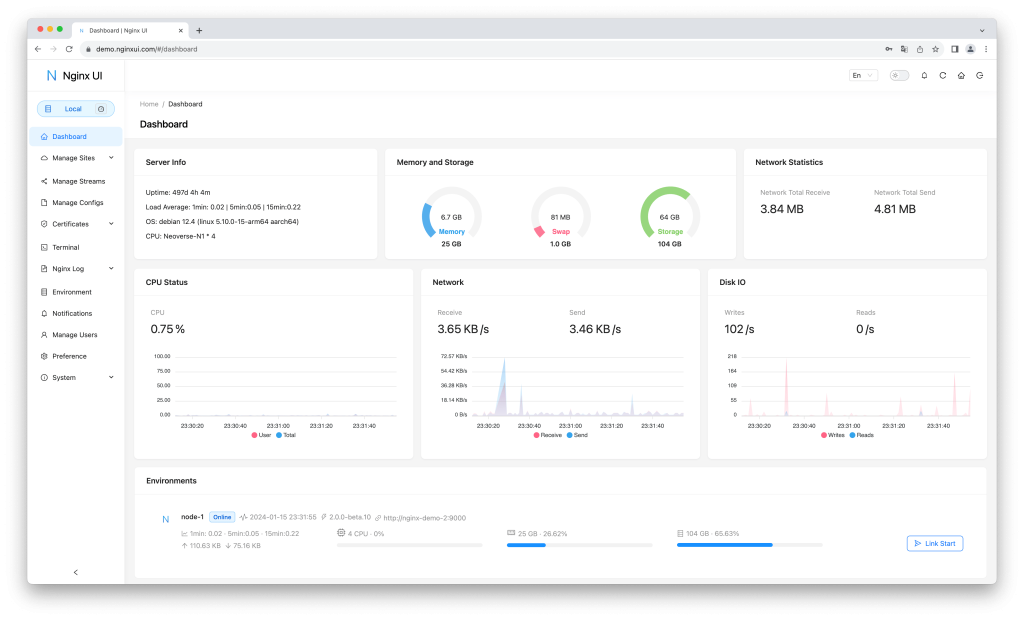
Security researchers have uncovered a critical vulnerabilities in Nginx UI, a popular web-based interface used to manage and monitor Nginx server clusters. The flaw, tracked as CVE-2026-27944 with a maximum CVSS score of 9.8, allows unauthenticated attackers to download full system backups and immediately decrypt them using keys provided by the server itself.
Nginx UI is designed to simplify complex server management, offering features like AI-powered code completion and one-click SSL certificate renewals. However, this vulnerability effectively hands the “keys to the kingdom” to anyone with network access to the management interface.
The vulnerability is the result of two critical security oversights in the platform’s API design:
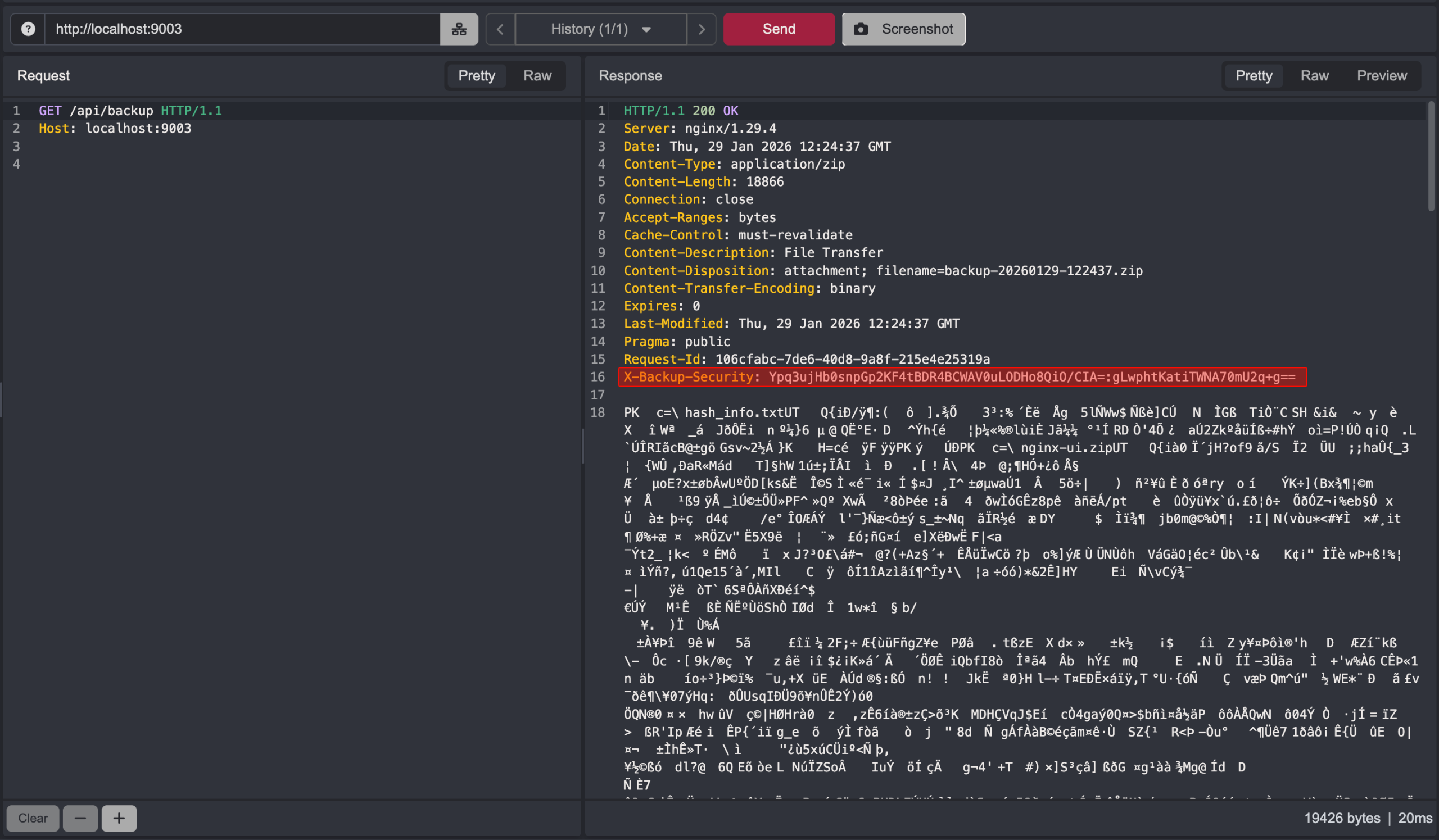
- Open Backup Endpoint: The /api/backup endpoint, responsible for generating and serving full system backups, was mistakenly registered without any authentication middleware. While the corresponding restore endpoint was properly secured, the backup endpoint remained completely open to the public internet.
- Disclosure of Encryption Keys: In a baffling design choice, the system was configured to send the AES-256 encryption key and Initialization Vector (IV) in plaintext via the X-Backup-Security HTTP response header.
As the security report details, this allows an unauthenticated attacker to “download a full system backup containing sensitive data… and decrypt it immediately” using the keys provided in the same transaction.
Because a full system backup contains the core configuration and secrets of the Nginx environment, the impact of a breach is catastrophic. An attacker who successfully decrypts a backup gains access to:
- User Credentials & Session Tokens: Allowing for full administrative takeover of the Nginx UI instance.
- SSL Private Keys: Enabling the attacker to intercept or impersonate encrypted traffic for all managed websites.
- Database Secrets: Access to the database.db file, which often contains further application-level secrets and user data.
- Nginx Configurations: Full visibility into the internal network structure and virtual host settings.
The Nginx UI development team has addressed this flaw in recent updates. Administrators are urged to take the following steps to secure their infrastructure:
- Ensure you are running the latest version of Nginx UI where the /api/backup endpoint is protected by mandatory authentication and encryption keys are no longer exposed in headers.
- If you suspect your /api/backup endpoint was exposed, you must treat all contained secrets as compromised. This includes rotating SSL certificates, changing administrative passwords, and regenerating API keys.
- As a best practice, management interfaces like Nginx UI should never be exposed to the public internet. Use a VPN, SSH tunnel, or IP allowlisting to restrict access to trusted administrators only.
Support Our Threat Intelligence
Find our vulnerability reports and weekly recaps helpful? Support our work today and unlock a 100% ad-free reading experience!
 Buy Me a Coffee
