Word for Windows Will Soon AutoSave Documents to OneDrive by Default, Pushing Cloud Adoption
 Do Son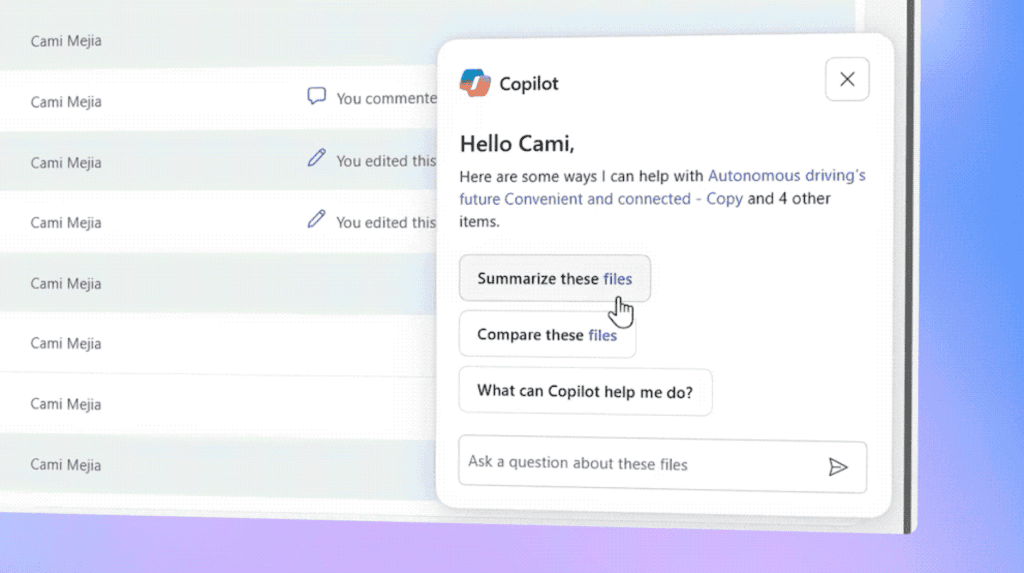
Recently, Microsoft held a special launch event dedicated to OneDrive and Microsoft Copilot, where the company announced that Word will soon begin saving documents to OneDrive by default, with AutoSave enabled automatically.
The AutoSave feature, a hallmark of Microsoft 365 applications, periodically saves new versions of a document, ensuring that even in the event of a system crash, users can recover their work or revert to a previous version.
Naturally, this functionality relies on Microsoft’s cloud storage service, OneDrive. According to the company, starting immediately, the Word for Windows preview build will automatically store new documents in OneDrive with AutoSave turned on by default.
This change allows users to seamlessly back up and access their files across multiple devices, ensuring that their data remains protected from accidental loss. The trade-off, however, is that users must store their data in OneDrive — a process that is entirely automated.
Users can still manually save documents to local directories, but unless they do so explicitly, Word will automatically store them in OneDrive. In fact, even when saving locally, a synchronized cloud copy will still be maintained on OneDrive — or, more precisely, the cloud version becomes the master copy, while the locally saved version is merely a duplicate.
These adjustments mirror Microsoft’s long-standing efforts to encourage users to back up their files to OneDrive through frequent prompts. By default, OneDrive provides 5 GB of free storage, which is generally sufficient for basic document backups but inadequate for larger file collections. Users who wish to store more data will need to either subscribe to Microsoft 365 or purchase an additional 100 GB of OneDrive storage separately.
Perhaps this strategy also explains why Microsoft no longer allows users to bypass the Microsoft account login during Windows 11 setup — local accounts cannot synchronize with OneDrive. In contrast, signing in with a Microsoft online account enables automatic OneDrive login and synchronization.
In addition to AutoSave, Microsoft confirmed that it is developing a dedicated OneDrive client for Windows 11, designed for faster photo viewing and editing, while also integrating enhanced Microsoft Copilot AI capabilities.
Related Posts:
- Microsoft OneDrive will support file restoring feature
- OneDrive Users Targeted in Sophisticated Phishing and Downloader Campaign
- iOS 26 Unveils New Wi-Fi Sync: Auto-Login for Public Networks Across All Your Apple Devices
- Double Trouble: DDoS and Internal Errors Cause Major Microsoft Azure Outage
Support Our Threat Intelligence
Find our tech and OS security coverage helpful? Support our work today and unlock a 100% ad-free reading experience!
 Buy Me a Coffee
