 Do Son
Google Play Store is a great resource for downloading Android apps, but is it safe? How do you know that the app you’re downloading is legitimate and won’t harm your device? In this blog post, we will explore how safe it is to download from Google Play Store. We will also discuss some tips for ensuring that you are downloading safe apps.
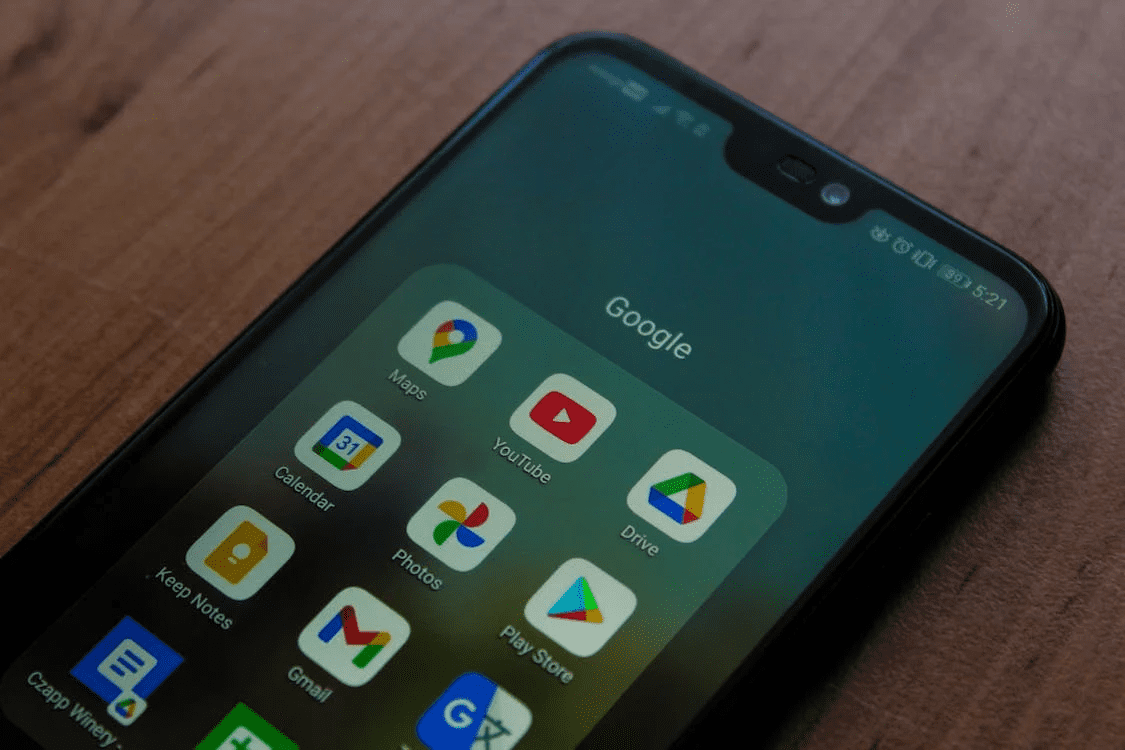
Is downloading from Google Play app safe? Here is everything you need to know
The Google Play app store is a great resource for Android users who want to download apps. It offers a wide selection of apps, many of which are free. However, some users may be concerned about the safety of downloading from Google Play. Now, if you need a Google Play Store App download free access for your Android device, you may be wondering how safe it is. Here’s what you need to know about the safety of downloading from Google Play. Moreover, we will also be discussing some tips that will allow you to download only safe apps from the store.
The legitimacy of the app
When you download an app from Google Play, you can be confident that the app is legitimate. This is because all apps in the store are reviewed by Google before they are made available for download. Google checks the app for viruses and malware and also reviews the app’s privacy policy. If an app is found to be unsafe or if it violates Google’s policies, it will be removed from the store. Thus, when you download an app from Google Play, you can be sure that the app is safe and legitimate. However, this does not mean that all apps in the store are completely safe.
It is very depending on the app you want to download
It will come as no surprise that some people make purposefully fraudulent games or apps to trick the person downloading them. However, these types of apps are usually quickly removed from the store by Google. So, if you’re concerned about downloading a malicious app, your best bet is to stick to well-known and reputable apps. Moreover, in order to be extra safe, you can check the reviews of an app before downloading it. This will give you an idea of whether or not other users have had problems with the app.
Check the reviews and ratings before downloading
Another way to check the safety of an app is to read the reviews and ratings. If an app has a lot of negative reviews or low ratings, it is probably best to avoid downloading it. This is because other users have likely found the app to be unsafe or problematic in some way. On the other hand, if an app has mostly positive reviews, it is likely safe to download.
Look for the app’s privacy policy
Before downloading an app, you should always check the app’s privacy policy. This will tell you what information the app will collect about you and how it will be used. If you’re not comfortable with the app’s privacy policy, you should not download the app. Most privacy policies are available on the app’s page in the Google Play Store. You can also always read the app’s permissions before downloading it. This will give you an idea of what information the app will have access to on your device.

Only download apps from trusted developers
It is generally best to only download apps from developers that you trust. This is because trusted developers are more likely to create safe and reputable apps. If you’re not sure whether or not you can trust a developer, you can check the reviews and ratings of the developer’s other apps. You can also do a general search for the developer to see if there have been any reports of problems with their apps.
How to download safe apps from Google Play
Now that you know how safe it is to download from Google Play, you may be wondering how to download only safe apps. Here are a few tips:
- Stick to well-known and reputable apps
- Check the reviews and ratings before downloading
- Look for the app’s privacy policy
- Only download apps from trusted developers
Downloading from the Google Play Store is generally safe. However, there are still some risks involved. Be sure to follow the tips above in order to download only safe apps.
In conclusion, we would like to say that as long as you are cautious and take the necessary precautions, downloading from Google Play is safe. However, we cannot guarantee that all apps in the store are completely safe. Therefore, it is always best to exercise caution when downloading any app, regardless of where you download it from. Google Play is a reliable and safe source for downloading Android apps, but there are still some risks involved. Be sure to follow the tips above in order to download only safe apps.